ProfiCAD for Windows 10 - Full description
ProfiCAD is a Windows CAD program for creating electrical schematics and related documentation. It is intended for electrical engineers, technicians and others who need to draw circuit diagrams, record connections and organize the components of an electrical project. Its focused tools and symbol-based approach make it suitable for both straightforward diagrams and larger projects that require several pages of documentation.
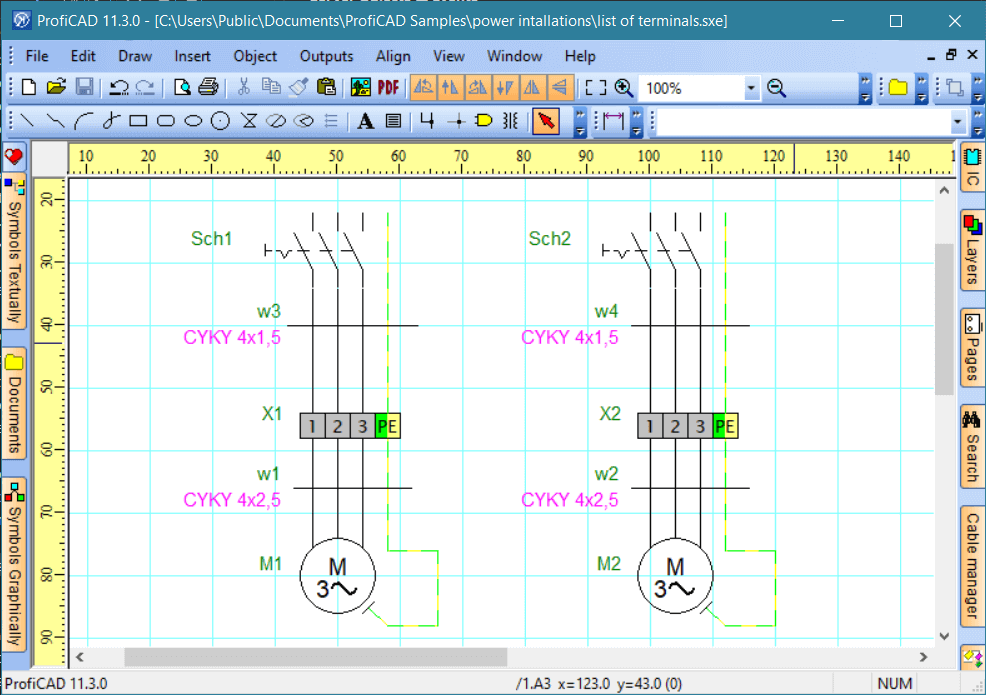
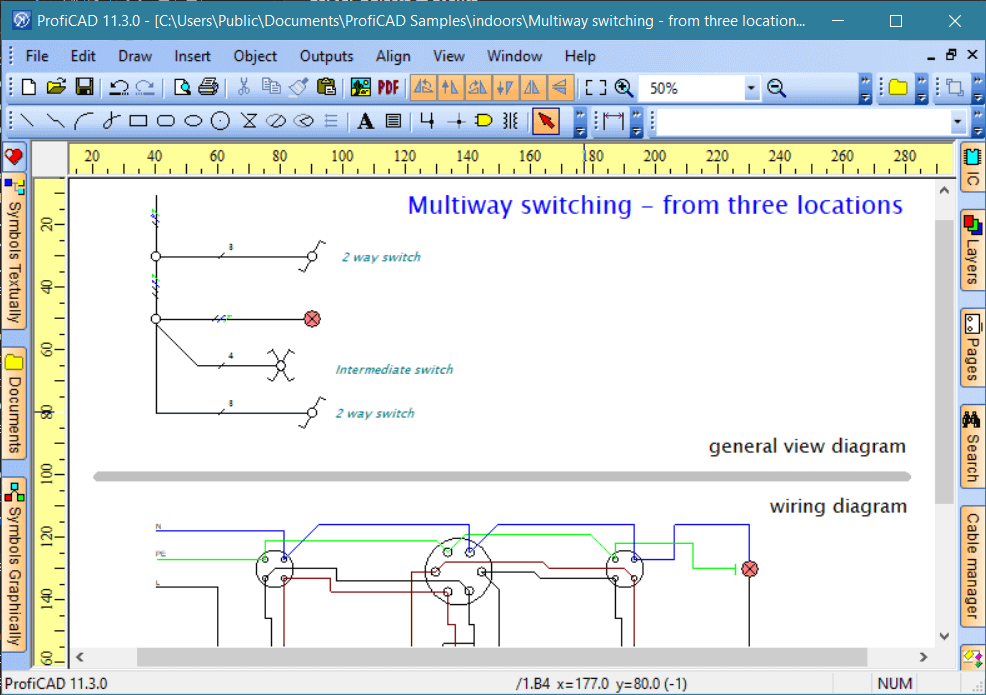
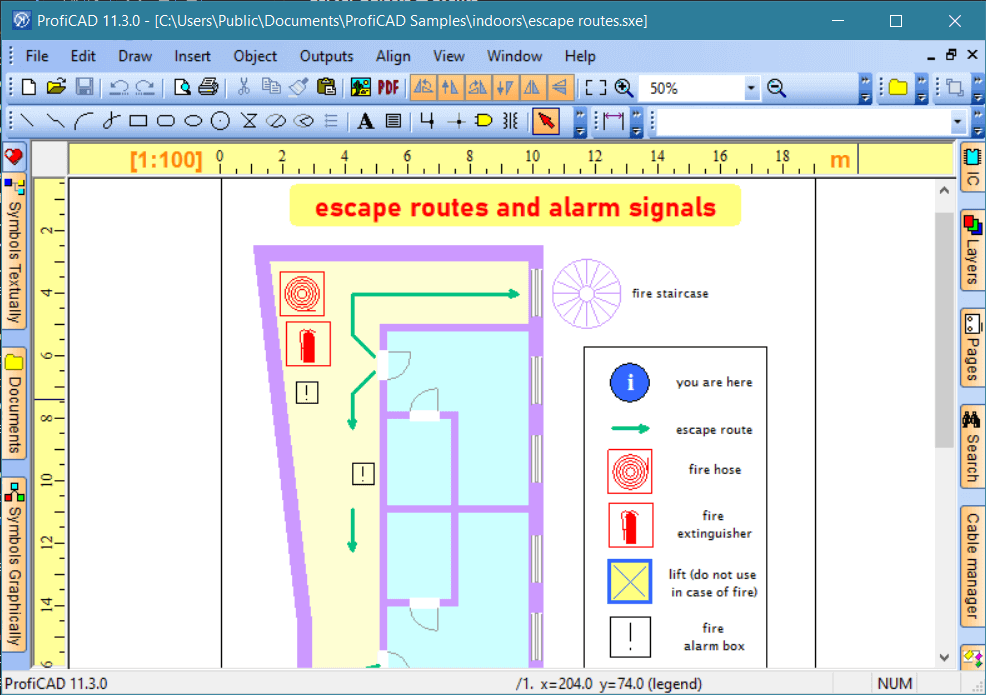
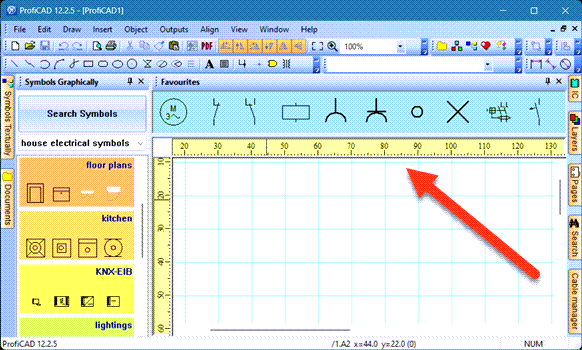
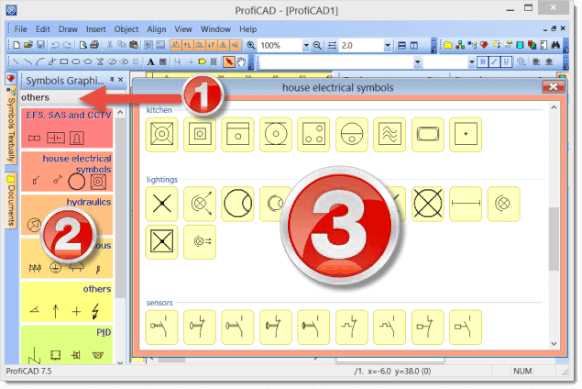
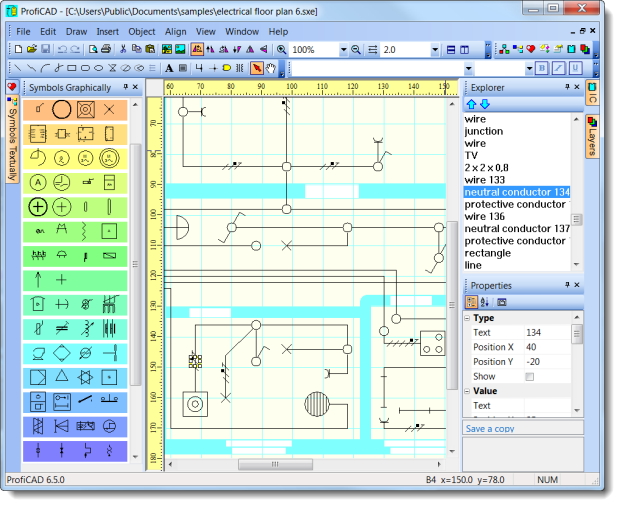
Drawings are built from electrical symbols, including commonly used items such as connectors and sockets. Users can place symbols on the workspace with drag and drop, then arrange and connect them to represent a circuit or system. A built-in symbol library provides starting points for standard diagrams, while custom symbols can be added or existing ones adapted for project-specific components. This lets teams keep recurring elements consistent and include items that are not covered by the default collection.
ProfiCAD supports multi-page documents, which helps divide a complex design into sections rather than crowding everything onto one sheet. Cross-references link related parts across pages, making it easier to follow connections and locate corresponding elements while reviewing or updating a project. The bill of materials function compiles a list of components used in the drawing, providing a practical reference for documentation and project planning. Diagrams can be exported as PDF for viewing and sharing, or as DXF for use with compatible CAD applications.
The program can be used to prepare electrical circuit diagrams, document installations and maintain schematics for systems with multiple components. A small drawing can remain on a single page, while larger designs can be organized into related sheets with cross-references and a component list. Export options also help adapt the finished documentation to different workflows, such as distributing a readable PDF or passing a drawing to another CAD tool.
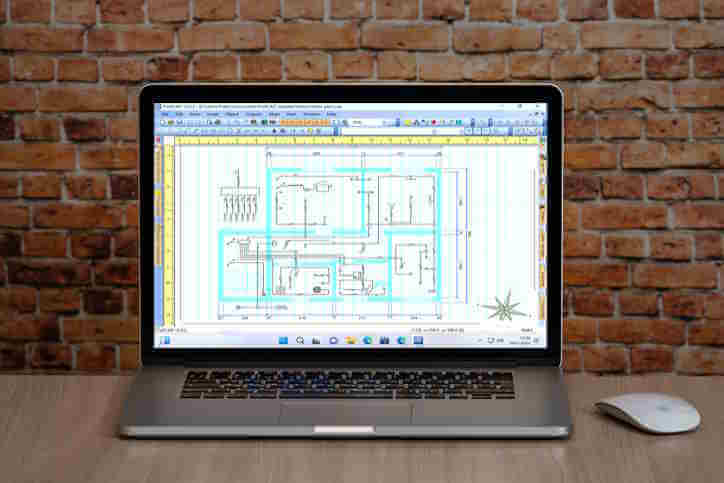
ProfiCAD is offered as a demo and is designed for Windows 10 64-bit and Windows 11. Its electrical focus distinguishes it from general-purpose CAD software: the work centers on schematic symbols, connections and project documentation rather than broad mechanical modeling. This makes it a specialized option for users whose primary task is producing and maintaining electrical diagrams.