Express Zip File Compression Software
Welcome to the download page for Express Zip File Compression Software, an exceptional tool developed by NCH Software for Windows 10 users. With Express Zip, you ...

Rar Zip Extractor Pro is a Windows utility for extracting and creating archives in formats such as RAR, ZIP, 7Z and TAR. It can unpack a complete package or retrieve individual files, and it can compress files and folders for storage or sharing. Context-menu integration provides quick access to common actions in File Explorer, while password and encryption options help protect archive contents.
| Author: | NeonBand |
| License: | Adware |
| Price: | $1.49 |
| Released: | Apr 17, 2026 |
| File size: | 210.00 MB |
| Downloads: | 197 |
| Keywords: | Software, package, Extractor, NeonBand, download Rar Zip Extractor Pro, extract archive, Rar, extract, Zip, archive compression tool, archive, rar zip extractor, archive management, Pro, open 7z archives, extract rar files, NeonBand software, extract zip files, user-friendly interface, extract ZIP, Rar Zip Extractor Pro free download, Rar Zip Extractor Pro, password protect archives, extract RAR, ZIP utility, RAR extraction, file compression, pack |
| Author URL: | https://www.microsoft.com/en-us/store/p/rar-zip-extractor-pro/9n5chvzqw8sd?cid=upload |



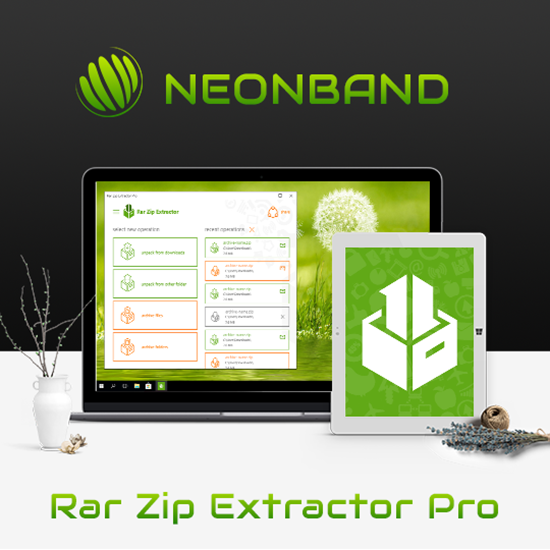
Rar Zip Extractor Pro is a Windows utility for opening and creating compressed archives. It is intended for people who need to unpack downloaded files, collect files into a package, or work with several archive types without relying on separate tools for each format. The program supports RAR, ZIP, 7Z and TAR archives, among others, and combines extraction and compression in one application.
For extraction, the program can unpack an archive or retrieve an individual file from a larger package. This is useful when only one document or folder is needed and extracting everything would create unnecessary copies. For compression, files and folders can be combined into an archive for storage or sharing. The program offers compression settings intended to reduce archive size, which can help when saving space or preparing files for transfer.
Windows context-menu integration provides another way to handle common tasks. Users can access extraction and compression actions while browsing files, without first opening the main application. The software also includes password protection and encryption options for archives, allowing sensitive contents to be protected when stored or shared. Its interface is organized around straightforward archive operations, making routine tasks accessible to users with different levels of experience.
Rar Zip Extractor Pro can be used to open archives received by email or downloaded from the web, bundle project files for distribution, and organize files for backup or transfer. Processing multiple files and working with large archives are supported, so it can also fit into heavier file-management routines. As with any archive utility, the contents and destination should be checked before extraction, especially when files come from an unfamiliar source.
The program is developed by NeonBand and is available for Windows 10 and Windows 11, including 32-bit and 64-bit systems. Its license is adware, so users should expect advertising as part of the software experience. Rar Zip Extractor Pro is suited to people looking for a combined archive extractor and compressor with context-menu access and support for common formats.