System Monitor II
Explore the depths of your PC's performance with System Monitor II, a top-tier software developed by the ... compatible gadget is your one-stop solution for real-time system monitoring. It provides a comprehensive view of your ...

SIW gathers detailed information about Windows software, hardware, network settings, and system activity. It reports installed applications, licenses, processes, services, device components, active connections, open ports, and more. Users can export reports in HTML, JSON, CSV, TXT, or XML, run batch inventories, and monitor CPU, memory, page-file, and network usage. Its tools also include ping, trace, Wake-on-LAN, and password reveal.
| Author: | Gabriel Topala |
| License: | Demo |
| Price: | FREE |
| Released: | Sep 28, 2024 |
| File size: | 27.50 MB |
| Downloads: | 982 |
| Keywords: | System, Windows 10 compatibility, System Information, SIW, windows hardware inventory, system information tool, software license inventory, Gabriel Topala, sys info, system diagnostic utility, sys, comprehensive diagnostics, network information tool, SIW software, information, x64 architecture, hardware monitoring software, detailed information |
| Author URL: | https://www.gtopala.com/ |

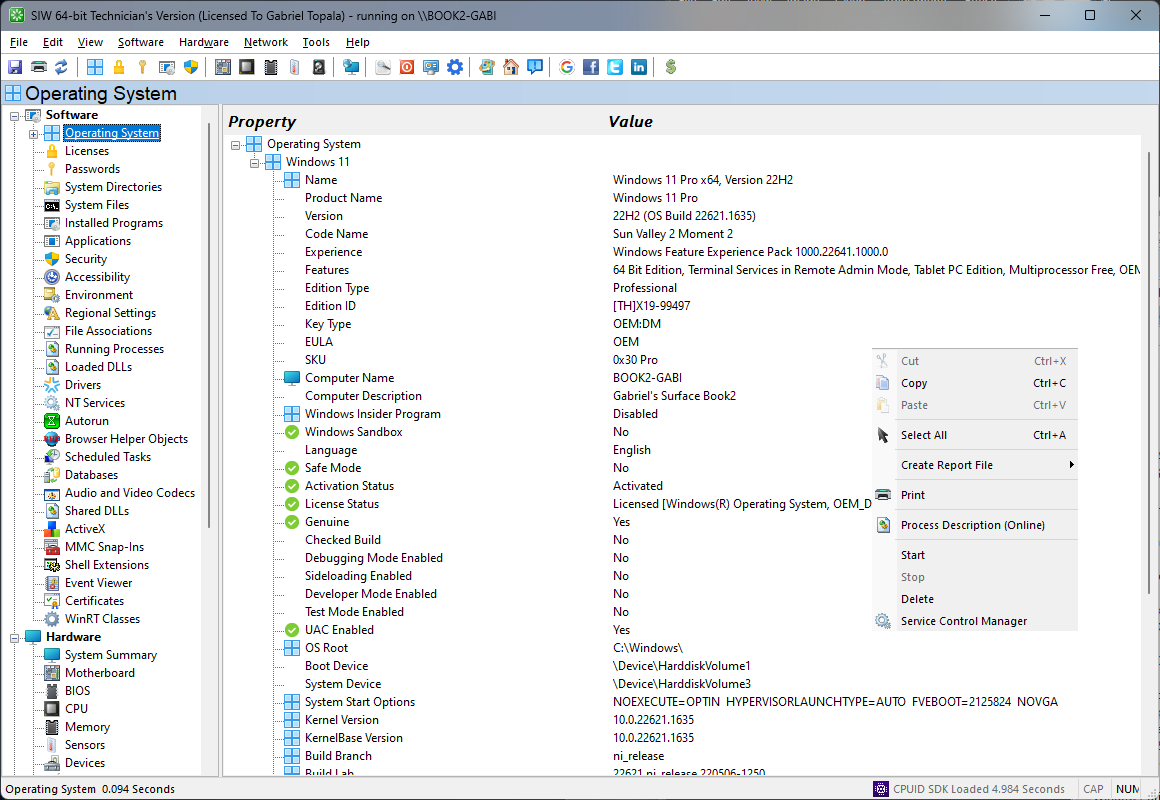


SIW (System Information for Windows) is a diagnostic and inventory utility for technicians, system administrators, and users who need a detailed view of a Windows computer. It collects information about installed software, hardware, network configuration, and system settings, then organizes the results into categories for inspection. This makes it useful for troubleshooting, documenting machines, and checking the configuration of individual PCs or larger environments.
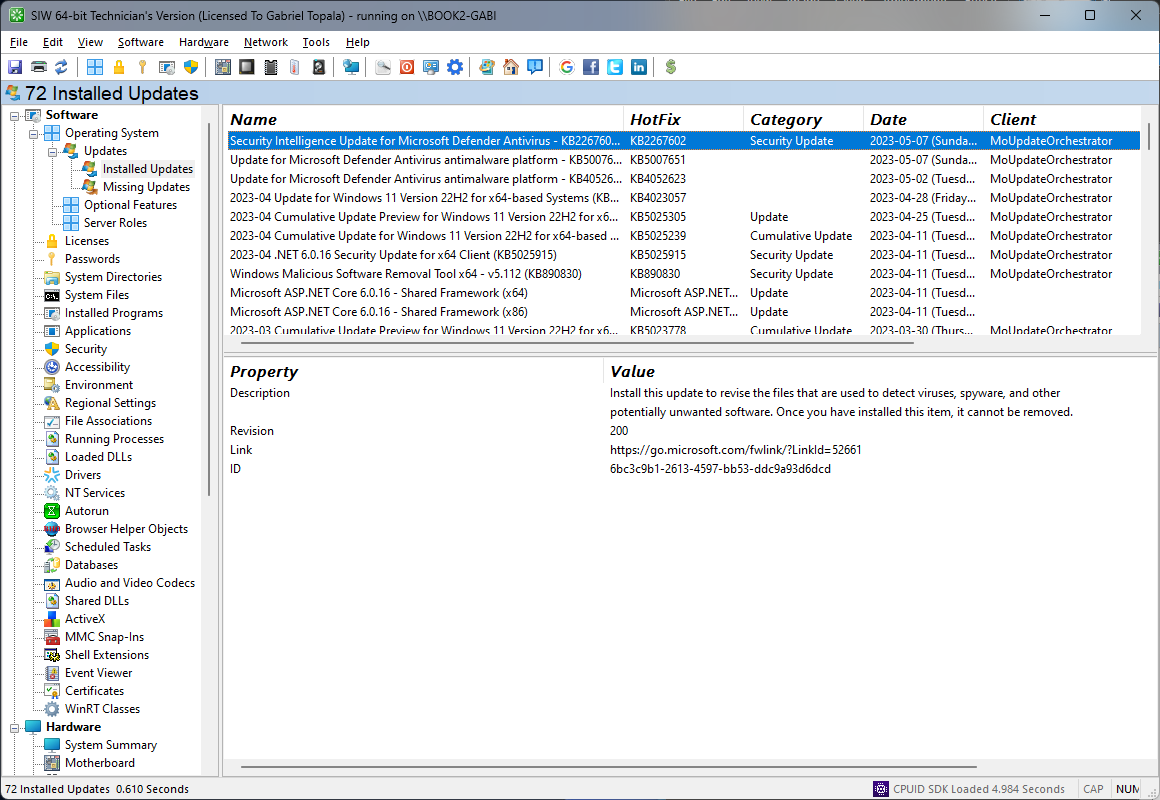
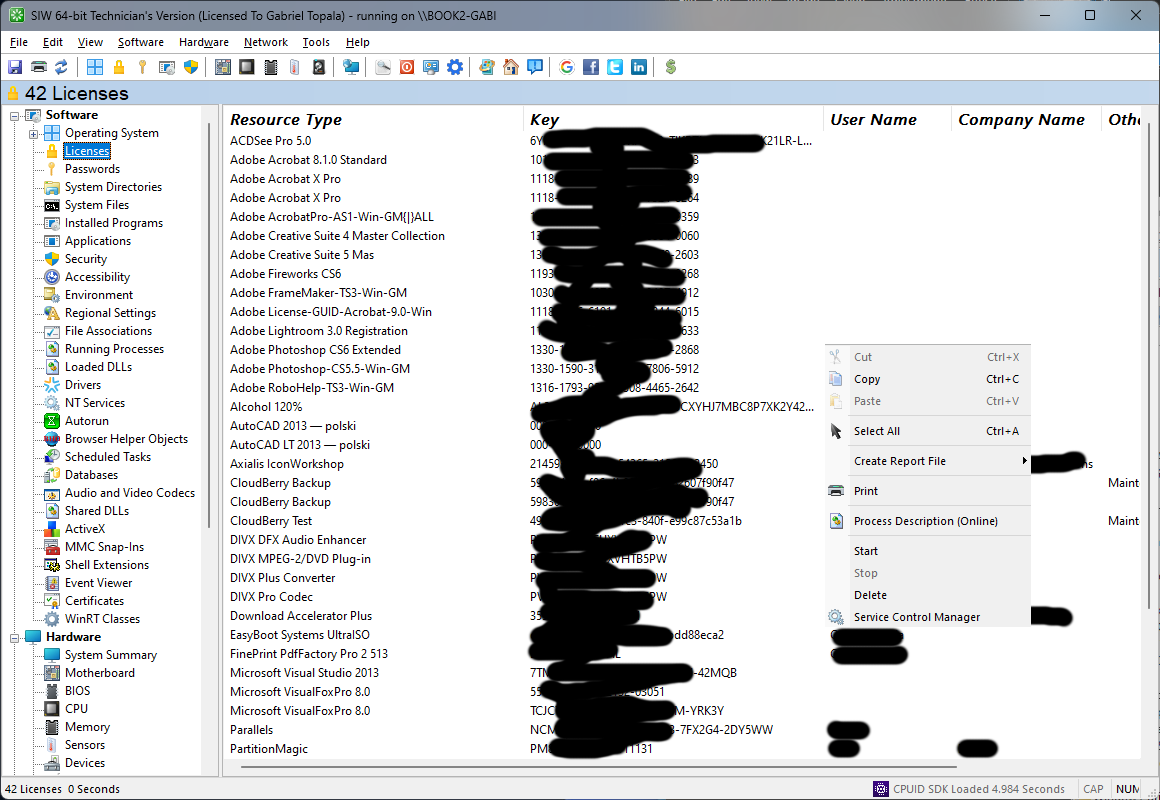
The software section covers the operating system, installed applications, hotfixes, software licenses, processes, services, user accounts, open files, system uptime, and server configuration. Administrators can use these details to review what is installed and running, while license information can help with software asset records. Hardware reports identify components such as the motherboard, processor, memory, BIOS, sensors, graphics adapter, monitor, storage devices, printers, and connected USB or other device types. Disk S.M.A.R.T. data and sensor readings provide additional information for hardware checks.
Network views include adapter and configuration details, traffic statistics, active connections, open ports, shared resources, and Active Directory computers, groups, and users. SIW also includes network utilities for ping, trace, neighborhood scanning, and changing a MAC address. Other built-in tools can reveal passwords hidden behind asterisks, send Wake-on-LAN requests, explore URLs, test monitors, or shut down and restart a computer. Live monitors display CPU, memory, page-file, and network usage, helping users observe activity while diagnosing a problem.
Reports can be exported as HTML, JSON, CSV, TXT, or XML, making system findings easier to archive, share, or process in other tools. Batch mode supports repeatable collection for hardware and software inventories, asset tracking, software license management, security audits, and server configuration reviews. The Technician's Version is portable and can run from removable media, a network drive, or a domain logon script without a conventional installation, which suits field support and routine administration.
SIW is offered as demo software and supports Windows 10 and Windows 11, as well as a range of Windows client and server editions. Its broad inventory and diagnostic coverage makes it relevant both for one-off checks and recurring IT documentation. The available feature set and results depend on the Windows system and devices being examined.