System Explorer for Windows 10 - Full description
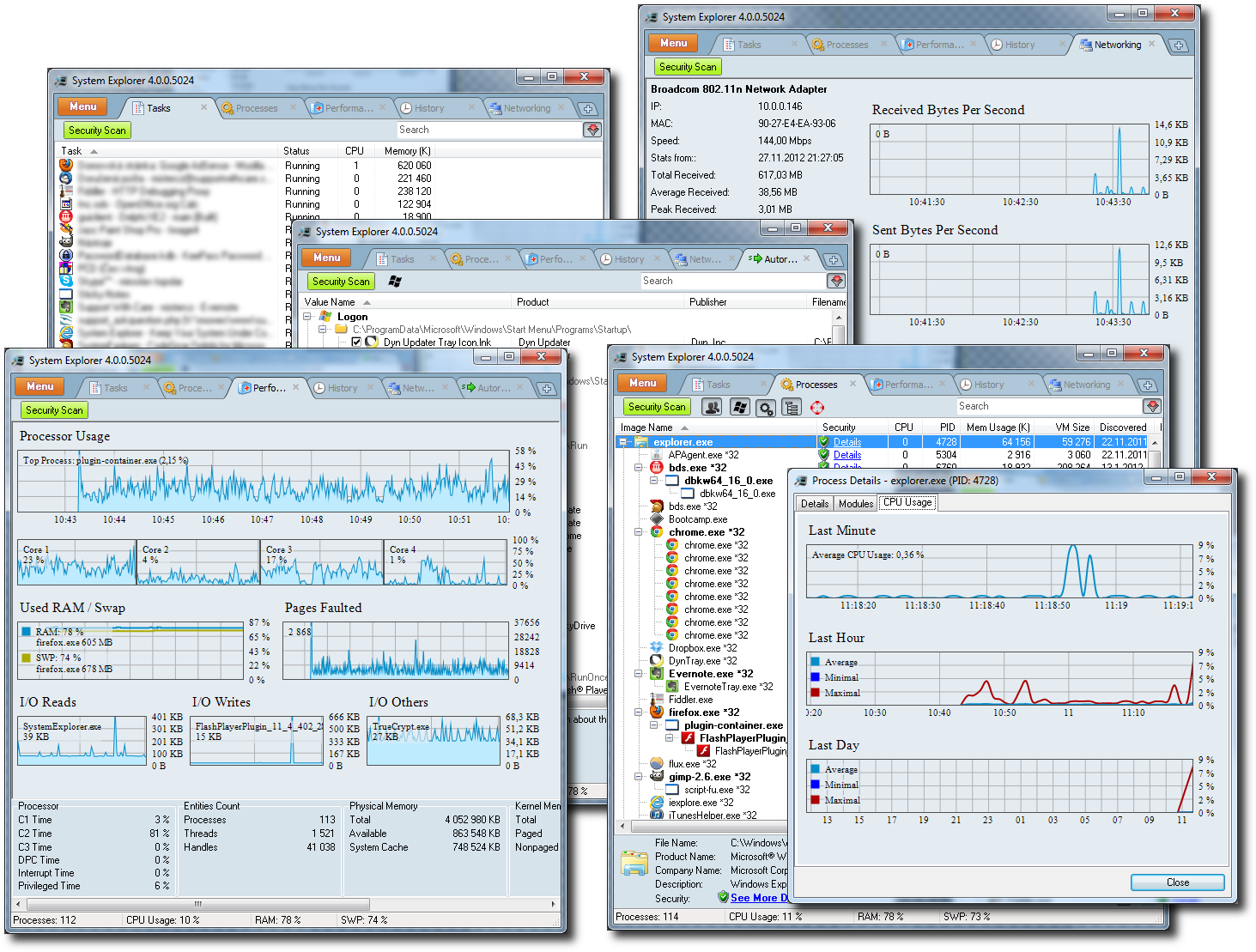
System Explorer is a Windows utility for inspecting and managing system activity. It is intended for users who want more detail than the standard Task Manager provides, including information about running processes, startup entries, services, drivers, open files and network connections. Its tabbed interface brings these views together, and the tabs can be customized to keep frequently used information close at hand.
The process and task views show what is running and provide access to related details such as loaded modules and file information. When a file or process looks unfamiliar, System Explorer can check it through VirusTotal or Jotti and search online databases for additional details. A security extension can automatically check processes, modules and selected files. These tools help with investigating suspicious activity, but results are best treated as supporting information rather than a substitute for security software.
Startup entries, services, drivers and Internet Explorer add-ons have dedicated views for reviewing components that load or operate in Windows. The built-in uninstaller provides access to installed applications, while the new-task dialog can locate and complete entries as a command is typed. History monitoring records process activity, and system snapshots make it easier to compare system state and identify changes over time. Performance graphs track resource use, including CPU activity, and a system report gathers key information into a rich-text document.
The utility can be configured to show fractional CPU usage, display performance graphs, monitor history and serve as the default task manager. Additional tabs cover modules, connections, users, security information, WMI data and other system details. A customizable layout helps users focus on the areas relevant to troubleshooting, checking startup behavior or examining changes after installing software. Plugin support extends the application, and its multilingual interface is available in 21 languages.
System Explorer is freeware for Windows and is offered as an installer or a portable edition. It supports older Windows releases as well as Windows 10; compatibility with Windows 11 is not established by the available system requirements. Its broad collection of inspection tools makes it useful for hands-on system diagnosis, while the number of views may be more than needed for occasional, basic task management.