UNetbootin for Windows 10 - Full description
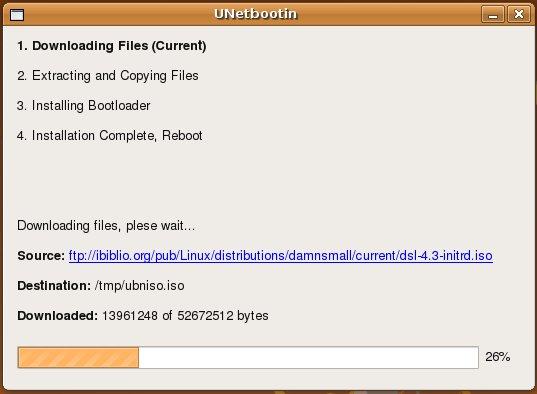
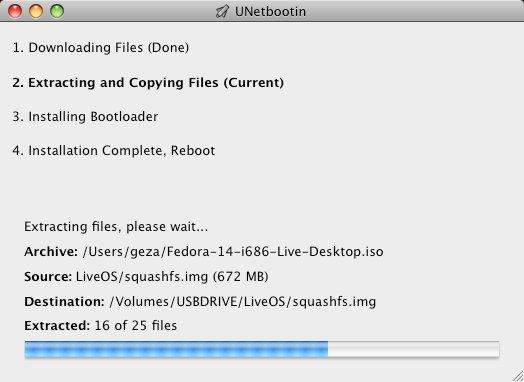
UNetbootin is an open-source utility for preparing bootable Linux media without burning a CD. It is intended for people who need to try a Linux distribution, install one on a computer, or start system-recovery and maintenance tools from removable media. The program can create a Live USB drive from a distribution it downloads or from an ISO file already on the computer. It can also make a frugal installation on a hard drive when a USB drive is not available.
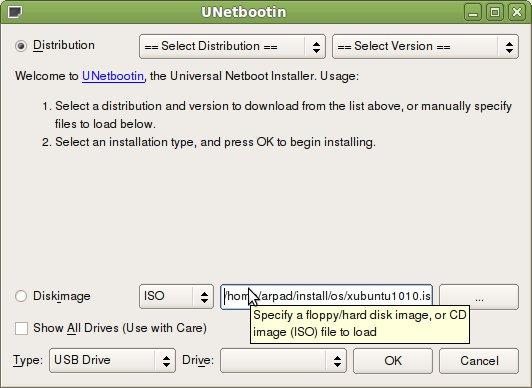
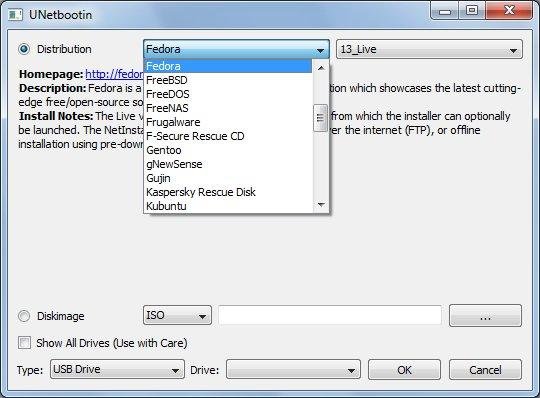
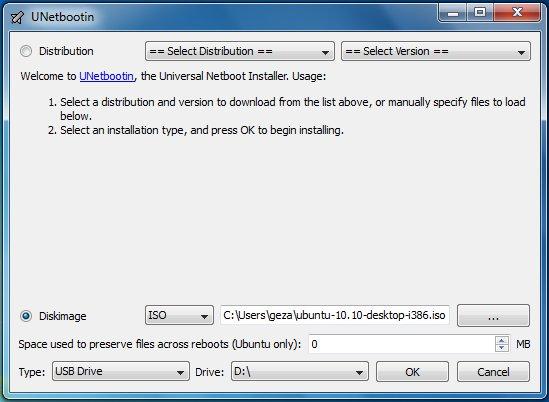
The built-in distribution list provides a way to select a supported Linux system and have UNetbootin download its disk image. This avoids finding and downloading the ISO separately. Alternatively, users can choose a local ISO, which is useful when they already have a preferred distribution or need an image that is not in the built-in selection. After choosing the source, they select the USB drive or hard-drive partition to receive the files and start the process.
UNetbootin also works with floppy and hard-disk images, as well as kernel and initrd files, allowing it to handle some installation sources beyond standard ISO images. It can prepare bootable media for system utilities such as Parted Magic, FreeDOS and F-Secure Rescue CD. A frugal install copies the contents of an ISO to a hard drive and configures them to boot from there, providing an alternative when booting from USB or CD is not practical. The program also offers a way to create multiboot USB drives or ISO images for Linux distributions and utilities.
Typical uses include testing Linux without first installing it, preparing installation media for a Linux system, and keeping diagnostic or recovery tools available on a bootable drive. The resulting media can start outside the usual Windows desktop, so it is useful when the installed operating system needs repair or when a computer must be started with a separate environment. What can be prepared depends on the selected distribution or image and the target drive or partition.
UNetbootin is free and open source, and is available for Windows as well as Linux. Its Windows compatibility includes Windows 10; the available operating-system information does not establish support for Windows 11. It does not require a CD burner, but creating a Live USB requires a suitable USB drive, while a frugal install uses a hard-drive partition. Users should confirm the selected destination before starting, since that choice determines where the boot files are placed.