Tabs Outliner
... Experience** Unlock the full potential of your browsing with Tabs Outliner, a powerful Chrome extension designed to streamline your tab management. Perfect for users who juggle multiple projects or ...

Auto Tab Discard is a Firefox extension for managing sessions with many open pages. It lets users discard inactive tabs in the current window, other windows, or all windows from a toolbar menu. Discarding unloads a page without closing its tab, so it can be loaded again when selected. This helps keep tabs available for later while reducing the number of pages that remain active in the browser.
| Author: | Richard Neomy |
| License: | Freeware |
| Price: | FREE |
| Released: | Oct 6, 2026 |
| File size: | 236 kB |
| Downloads: | 12 |
| Keywords: | tab management, Close, discard inactive tabs, download Auto Tab Discard for Firefox, organize firefox tabs, firefox tab manager, Firefox extension, Hibernate Tabs, reduce tab memory, Discard Tabs, Auto Tab Discard for Firefox free download, Auto Tab Discard, Discard, Tabs, discard, hibernate browser tabs, Auto Tab Discard for Firefox, Hibernate, Organize Browser, manage open tabs |
| Author URL: | https://chrome.google.com/webstore/detail/auto-tab-discard/jhnleheckmknfcgijgkadoemagpecfol |


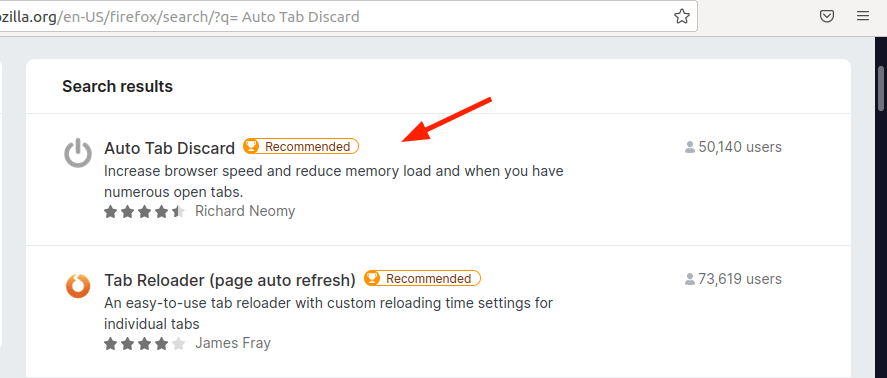
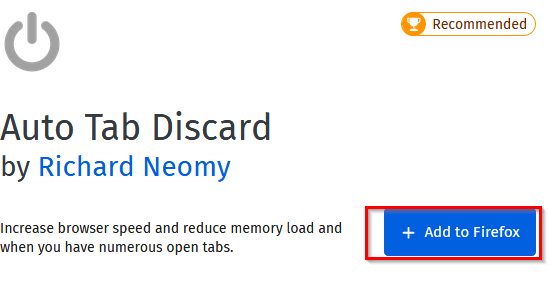
Auto Tab Discard is a Firefox extension for people who keep many pages open and want to reduce the load from tabs they are not currently using. It puts tab-management controls in a menu available from the browser toolbar. Rather than closing pages, it discards inactive tabs: their pages are unloaded from the browser while the tabs remain in place, ready to be restored when needed. This makes it easier to keep a crowded window organized without losing the pages gathered during research or everyday browsing.
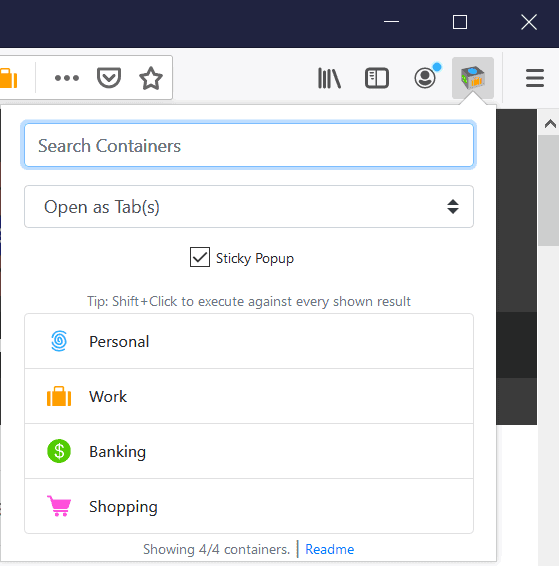
The menu provides controls for discarding inactive tabs in the current window, in other windows, or across all windows. These options let users target the set of pages that needs attention instead of closing tabs one by one. Discarding is useful when a browser session has grown large, or when background pages are no longer needed for the moment. The tab stays visible, so its title and position can still help identify it among the rest.
When a discarded tab is selected again, Firefox loads its page so browsing can continue. This differs from closing a tab, which removes it from the window and requires reopening it through history, bookmarks, or another source. The extension therefore suits workflows where pages should be kept for later but do not all need to remain loaded at once. Its toolbar menu keeps the main actions close at hand, without requiring users to navigate through a separate tab-management application.
Typical uses include clearing out inactive pages after a research session, reducing the number of loaded tabs across several browser windows, and keeping a long-running browsing session manageable. It can also help users who tend to accumulate tabs but prefer to retain their place in each page. Since discarded tabs must load again when revisited, pages that need to remain immediately available may be better left active. The extension manages tabs; it does not delete the pages from the web or remove them from browsing history.
Auto Tab Discard is freeware and is intended for use as an add-on in Firefox. The Windows download listing supports 64-bit Windows 10 and Windows 11, and the extension requires Firefox to be installed. After installation, its icon appears in the browser toolbar, where the available discard actions can be accessed. It is a focused utility for managing inactive tabs rather than a general-purpose browser or a tool for organizing bookmarks.