Paint.NET
Paint.NET is a raster image and photo editor for Windows, suited to people who want tools for retouching and creating images without the complexity of a professional graphics suite. ...

Corel PaintShop Photo Pro X3 combines photo management, image editing, and basic HD video tools for Windows users. Catalog, search, rate, and tag photos, then use batch processing to apply adjustments across multiple images. The Express Lab handles common fixes, while Smart Carver, Vibrancy, Object Extractor, and RAW support offer more control. Create slideshows, cards, calendars, and photo books, or share work by email, disc, print, and direct uploads to Facebook, Flickr, and YouTube.
| Author: | Corel Corporation |
| License: | Trialware |
| Price: | $99.99 |
| Released: | Aug 5, 2023 |
| File size: | 5.10 MB |
| Downloads: | 497 |
| Keywords: | photo editing software, manager, photo organizer, crop, Corel Corporation, image manipulation, manage, create, image retouching, editor, photo, image, photo slideshow maker, corel, raw photo editor, Corel PaintShop Photo Pro X3, image editor, edit, photo editor, paint, graphic design tool, advanced editing features, graphic editor, batch photo editing |
| Author URL: | https://www.corel.com/en/ |

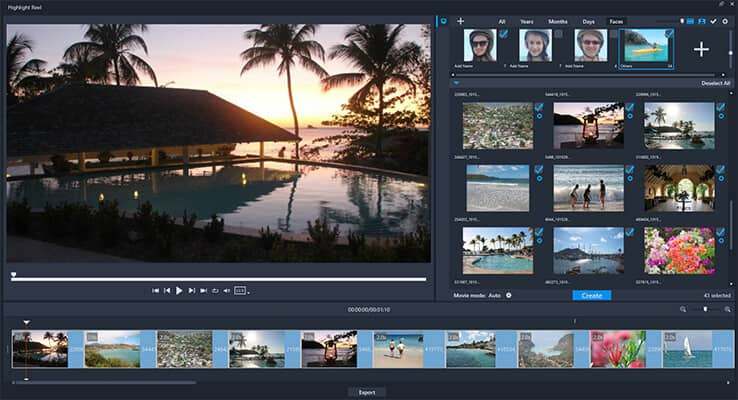
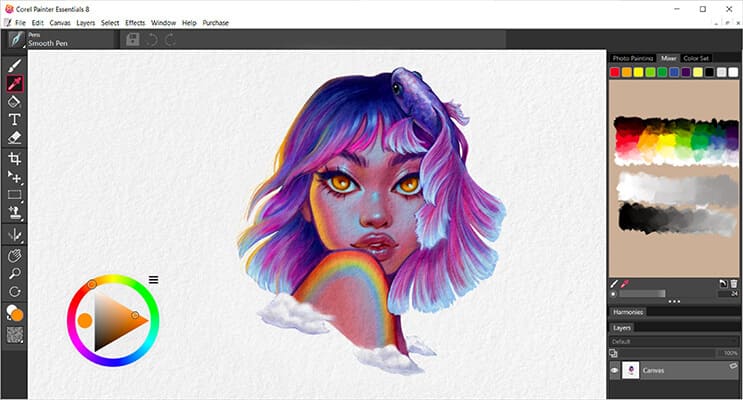
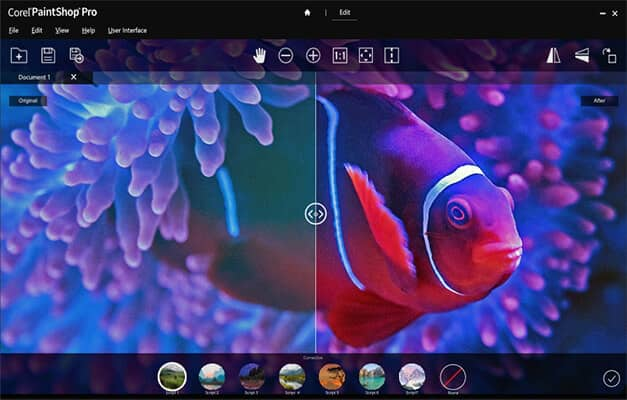

Corel PaintShop Photo Pro X3 is a Windows photo editor and organizer for photographers who want to manage image collections, improve pictures, and create projects for print or sharing. Its tools cover everyday corrections as well as more involved editing, with workflows suited to DSLR photos and collections that also include video.
The program brings photo and video browsing into one place. Thumbnails and previews help users review files, while cataloging, search, ratings, and tags make it easier to sort a large collection and retrieve selected images later. For repeated adjustments, users can edit one photo and apply those changes to multiple others through batch processing, without having to build scripts. This is useful for making consistent corrections across a group of images.
For individual photos, the Express Lab provides a focused workspace for common fixes. More advanced tools include Smart Carver for resizing images while preserving important content, Vibrancy for adjusting color intensity, and Object Extractor for separating an object from its background. RAW support lets photographers work with camera files before converting them into finished images. These options serve different tasks, from quick improvements to more selective retouching.
PaintShop Photo Pro X3 also handles basic HD video alongside still photos. Users can import, make basic edits, and export video, combine clips and pictures with templates, create HD slideshows, and extract a still frame from a video. Finished work can be turned into photo books, calendars, collages, cards, or slideshows. Sharing options include direct uploads to Facebook, Flickr, and YouTube, email with automatic image resizing, printing, and backing up photos or videos to CD or DVD.
The software is trialware for Windows. It is intended for organizing and editing personal or DSLR photo collections, preparing batches of images, and producing creative projects for online sharing or print. Its mix of image management, editing, simple video handling, and output tools keeps these tasks within one application; availability of online services can depend on those third-party services.