Dukto Portable for Windows 10 - Full description
Dukto Portable is a lightweight file-sharing utility for moving files and folders between computers on a local network. It is suited to home, office, classroom, and other settings where devices need to exchange documents without using an online storage service or setting up a dedicated transfer server. Its portable form can be run without treating the transfer process as a permanent, installed service, making it useful for occasional or shared-computer use.
The application discovers Dukto clients on the local network automatically, so users can select another running device instead of configuring a server or entering network details. Transfers can include individual files or whole folders, and the program is designed to move them directly between clients. It also supports sending short text snippets, a practical way to pass a URL or a brief note without creating a separate document. Dukto does not require an internet connection for these local transfers.
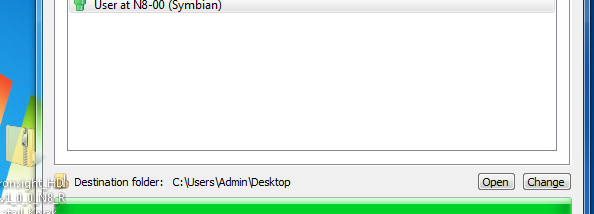
A transfer log helps users review activity in the application, while received files can be opened directly from its interface. Dukto displays the computer's IP addresses on its connection page, which can help when checking network details or connecting through an IP address. Unicode support accommodates text and file names in a wide range of languages. On Windows 7, taskbar integration can show transfer progress and activity, providing a quick status check while other work continues.
The simple interface and automatic client discovery suit quick exchanges between computers on a shared LAN, such as sending a folder to a colleague or sharing a link during a meeting. Multi-file and folder transfers reduce the need to send items one at a time, while the activity log and progress indicators make it easier to keep track of ongoing exchanges. Dukto focuses on local device-to-device sharing rather than cloud storage or remote access.
Dukto is free and open source, and this portable edition is intended for Windows. The provided system information covers Windows XP through Windows 10, including 64-bit editions where indicated; Windows 11 compatibility is not established here. Both computers need to be running Dukto and reachable on the same local network for automatic discovery and direct transfer to work.