G Suite Backup Tool
Welcome to the home of the G Suite Backup Tool, a top-tier software solution developed by G Suite Backup. This powerful utility is designed to offer a ...

DVDForge is a freeware Windows application for creating, editing, burning and backing up video discs. Users can import and arrange clips, customize DVD menus with templates, and make basic edits such as trimming, cropping, applying filters or adding subtitles and watermarks. It burns DVD-5, DVD-9 and Blu-ray media, and can create ISO files for digital archiving.
| Author: | Yubsoft |
| License: | Freeware |
| Price: | FREE |
| Released: | Nov 16, 2024 |
| File size: | 993 kB |
| Downloads: | 160 |
| Keywords: | software, burn video to dvd, DVD backup, DVD, dvd authoring software, multimedia, user-friendly interface, dvd video editor, video editing, ISO, DVDForge free download, download DVDForge, DVD authoring, backup, video conversion, create iso image, dvd backup tool, copy DVD, Yubsoft software, DVDForge, Yubsoft, DVD copy, copy, customizable templates, dvd menu creator, high-quality output |
| Author URL: | https://www.yubsoft.com/imgdrive/index.htm |
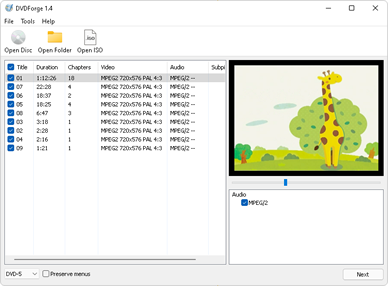

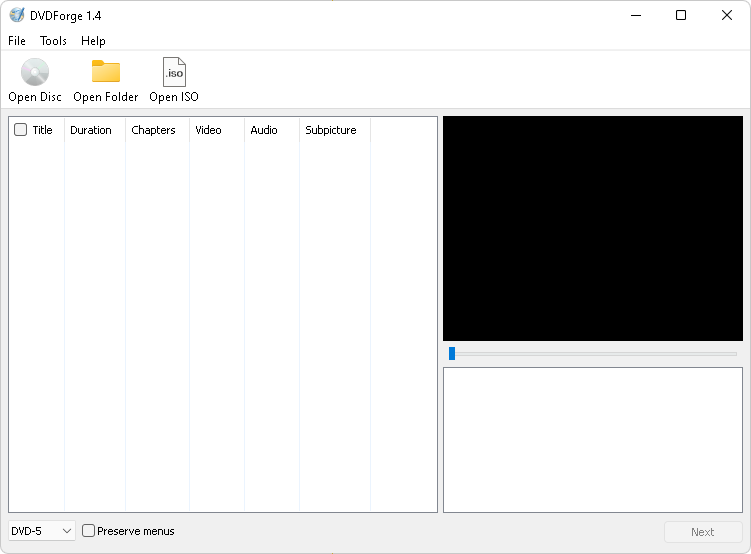
DVDForge is a Windows application for authoring, editing, burning and backing up video discs. It is intended for people who want to compile video files into a DVD, prepare a disc with menus, or preserve media in an ISO image. Its workflow covers importing and arranging clips through to editing and disc output, bringing common DVD creation tasks into one program.
For disc projects, DVDForge lets users import video files, order them into a sequence and customize DVD menus with templates and themes. Drag-and-drop organization helps make changes to the clip order without rebuilding the project from scratch. Support for a variety of video formats allows media from different sources to be brought into a project, while menu customization provides a way to make the finished disc easier to navigate and more personal.
The included editing tools handle basic changes before authoring. Users can trim or crop footage, apply filters, and add subtitles or watermarks. These options are useful for removing unwanted sections, adjusting the frame, or adding identifying text to a video. Once the content is arranged, DVDForge can burn projects to DVD-5 and DVD-9 discs, as well as Blu-ray media, with settings for adjusting the output process. It can also create ISO files for storing or distributing a disc image digitally.
DVDForge also includes backup and archiving options for keeping media accessible beyond a physical disc. The combination of video editing, menu creation, burning and ISO output suits home projects such as compiling family recordings, as well as users preparing organized video collections. Its interface is organized around accessible menus and a drag-and-drop workflow, making the main authoring steps approachable for occasional use as well as more involved projects.
DVDForge is freeware from Yubsoft. It runs on 64-bit editions of Windows 11, Windows 10, Windows 8 and Windows 7. Disc creation requires compatible recording hardware and blank media; ISO creation provides an alternative when a physical disc is not needed. The application brings together authoring and backup functions for users who want to prepare video discs or archive their contents locally.