Print Passport Photo Free
Welcome to the home of "Print Passport Photo Free", an innovative software solution developed by ... compatible software is a game-changer for anyone needing passport-sized photos. Forget about the hassle of visiting a ...

Face Crop Jet detects faces in individual images or batches of photos and saves each detected face as a separate portrait. It supports JPEG, PNG, BMP, TIFF and GIF output, with automatic sizing or user-defined width and height. The tool is aimed at preparing profile pictures, staff badges and ID-card photos from group images, without manually cropping every face.
| Author: | masswatermark.com |
| License: | Demo |
| Price: | $59.00 |
| Released: | Oct 5, 2026 |
| File size: | 268.00 MB |
| Downloads: | 25 |
| Keywords: | portrait crop tool, download Face Crop Jet, automatic face cropping, Face Crop Jet, passport, face crop, crop face, id photo cropper, portrait, face detection, crop, face, batch face detection, face crop software, extract faces from photos, Face Crop Jet free download |
| Author URL: | https://facecropjet.com/ |

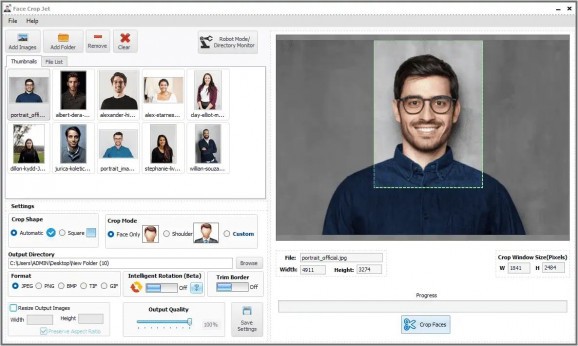
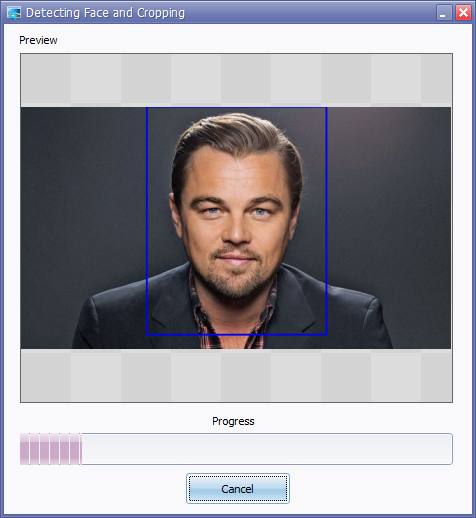
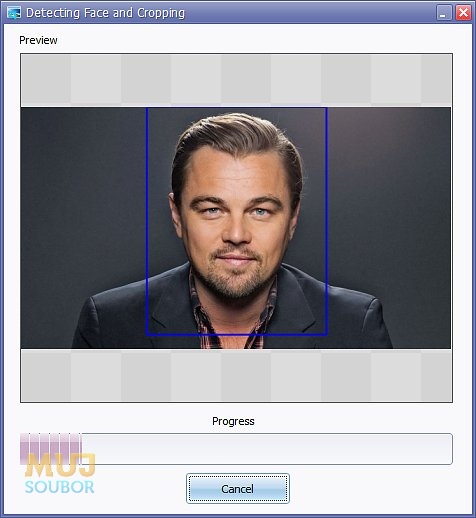

Face Crop Jet is a desktop utility for extracting individual face photos from group images. It is intended for people who need portrait crops for staff ID cards, badges, profile pictures or similar uses, especially when collecting a separate photo from each person is impractical. The program detects faces in source images and creates separate cropped image files, reducing the need to crop each portrait by hand.
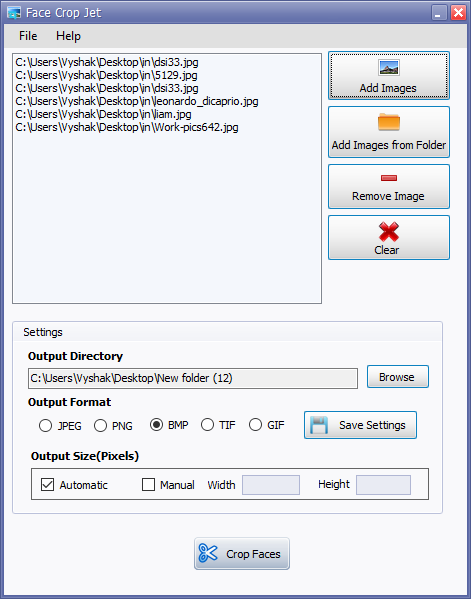
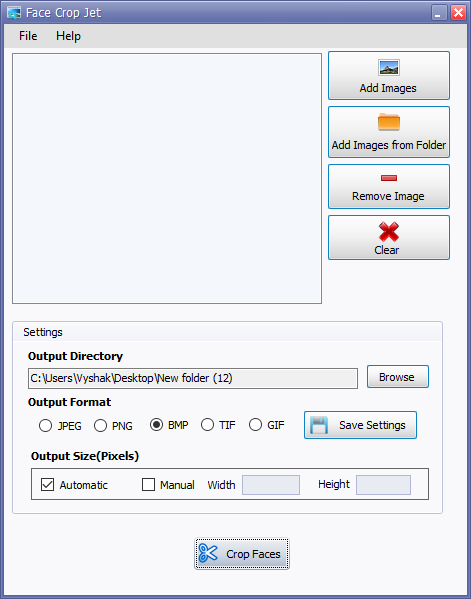
Images can be added individually or loaded from a folder for batch processing. Once the source pictures are selected, the user sets an output directory and chooses an image format. Face Crop Jet supports JPEG, PNG, BMP, TIFF and GIF output. The crop operation is automatic: the software identifies faces in the selected pictures and saves individual images for the faces it detects. Processing a collection can be useful when working from class, team or office group photos rather than a set of ready-made headshots.
Output dimensions can be left to automatic sizing or set to a chosen width and height. This provides a way to prepare portraits for a required card or profile format without manually adjusting every crop. The workflow is focused on detection, cropping and saving; it does not include a broader set of image-editing tools for retouching or refining the original and resulting photos. Results may therefore need to be checked, particularly when source images contain many people, small faces or varied lighting.
Typical uses include assembling employee badge photos from office pictures, preparing individual portraits from school or group-event images, and generating profile images from a batch of photographs. Batch processing helps avoid repeating the same crop-and-save steps for each image, while the output folder keeps generated portraits separate from the source files. Detection and crop quality depend on the faces visible in the source images, so clear, sufficiently large faces are more suitable input.
Face Crop Jet is offered as demo software and is designed for 64-bit Windows 10 and Windows 11 systems. Its controls cover file selection, destination, output format and image size, making the workflow relatively direct for routine portrait extraction. It is best suited to producing basic face crops in quantity rather than performing detailed photo editing or guaranteeing a particular ID-photo standard.