inSSIDer for Windows 10 - Full description
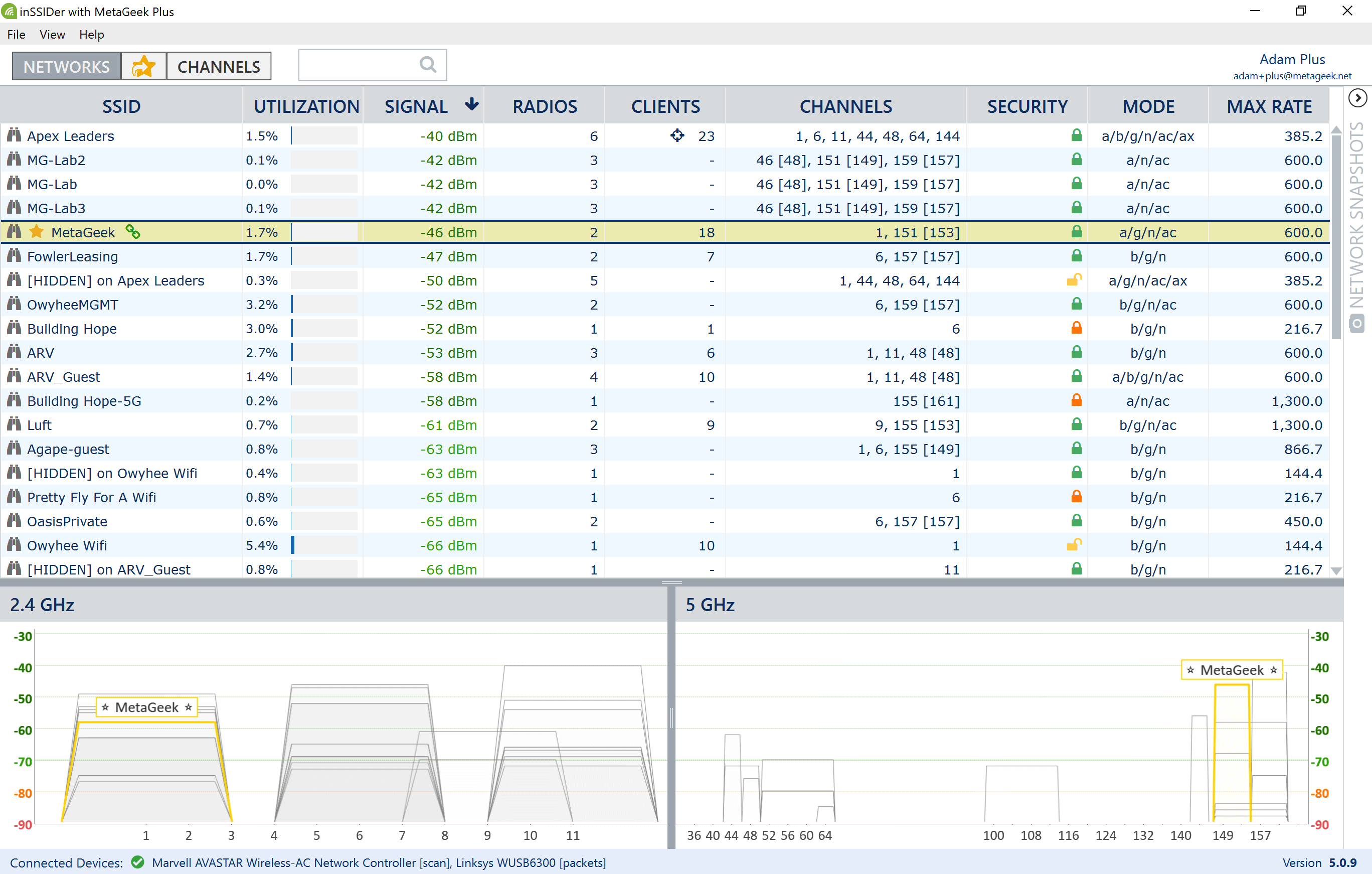
inSSIDer is a Wi-Fi scanner for inspecting a wireless network and the access points operating nearby. It helps home users and network administrators understand congestion, compare available channels and investigate weak or competing wireless signals. Instead of showing only a network name and channel, it presents details that can help explain how nearby WLANs share the radio environment.
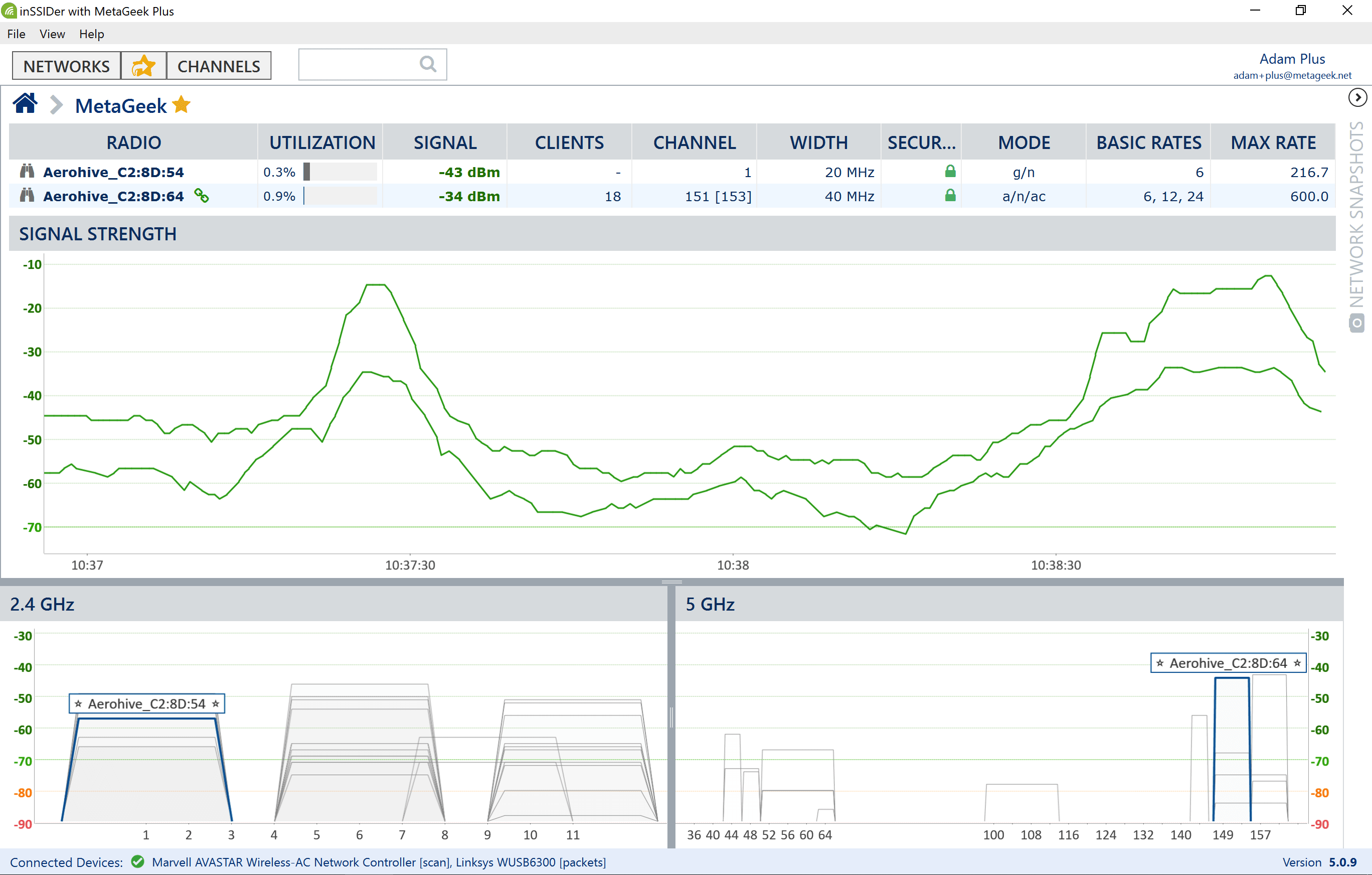
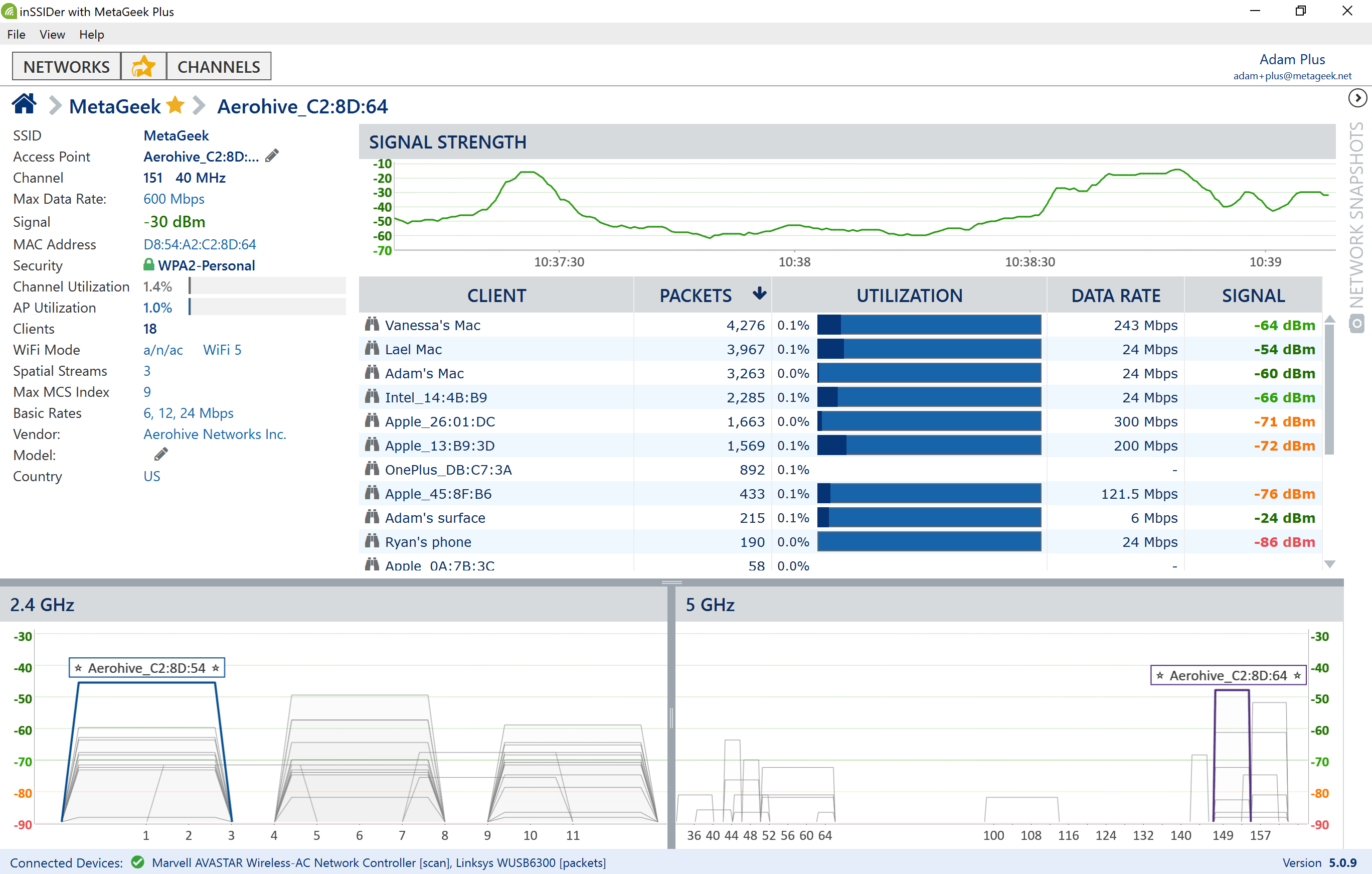
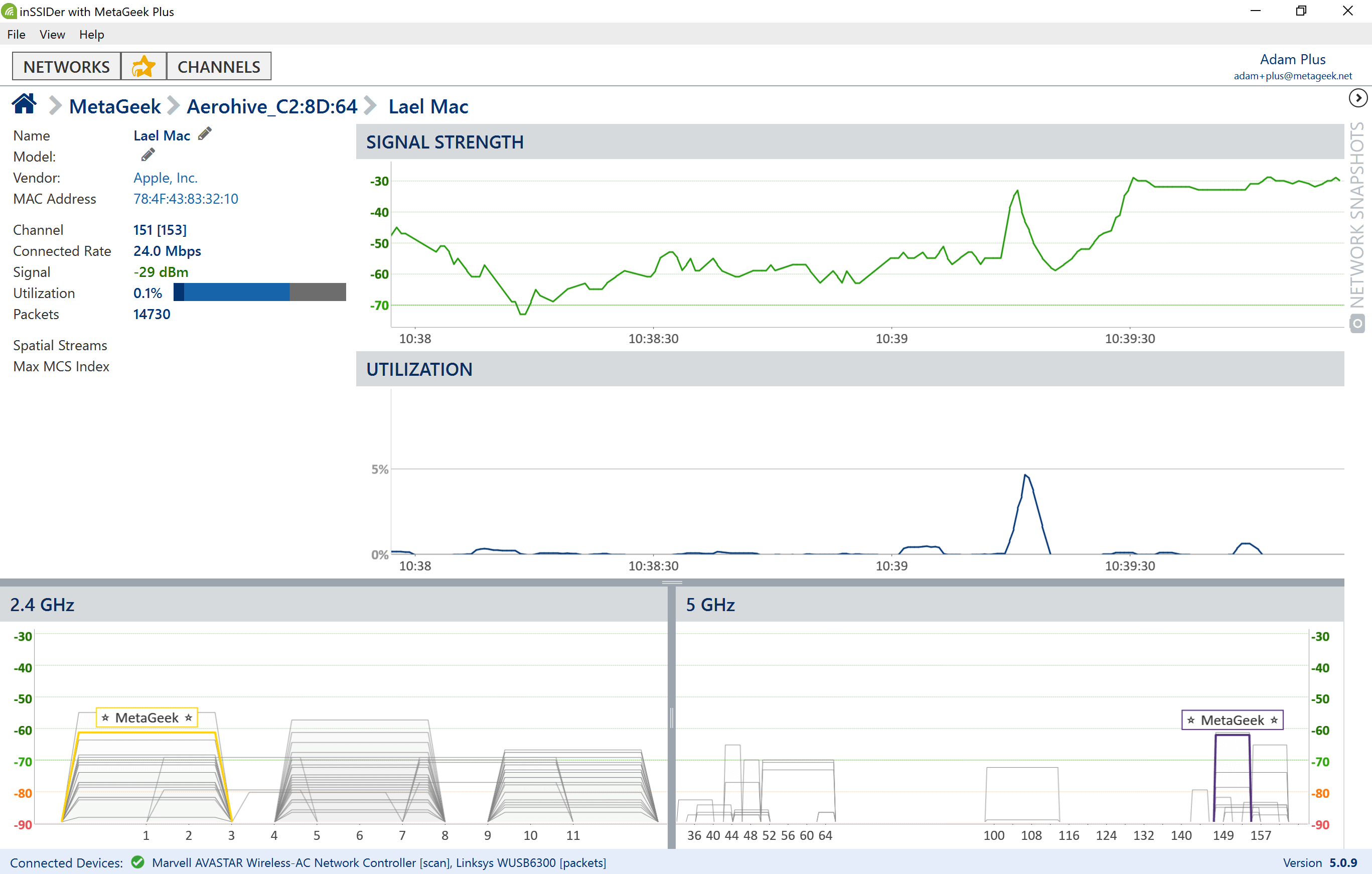
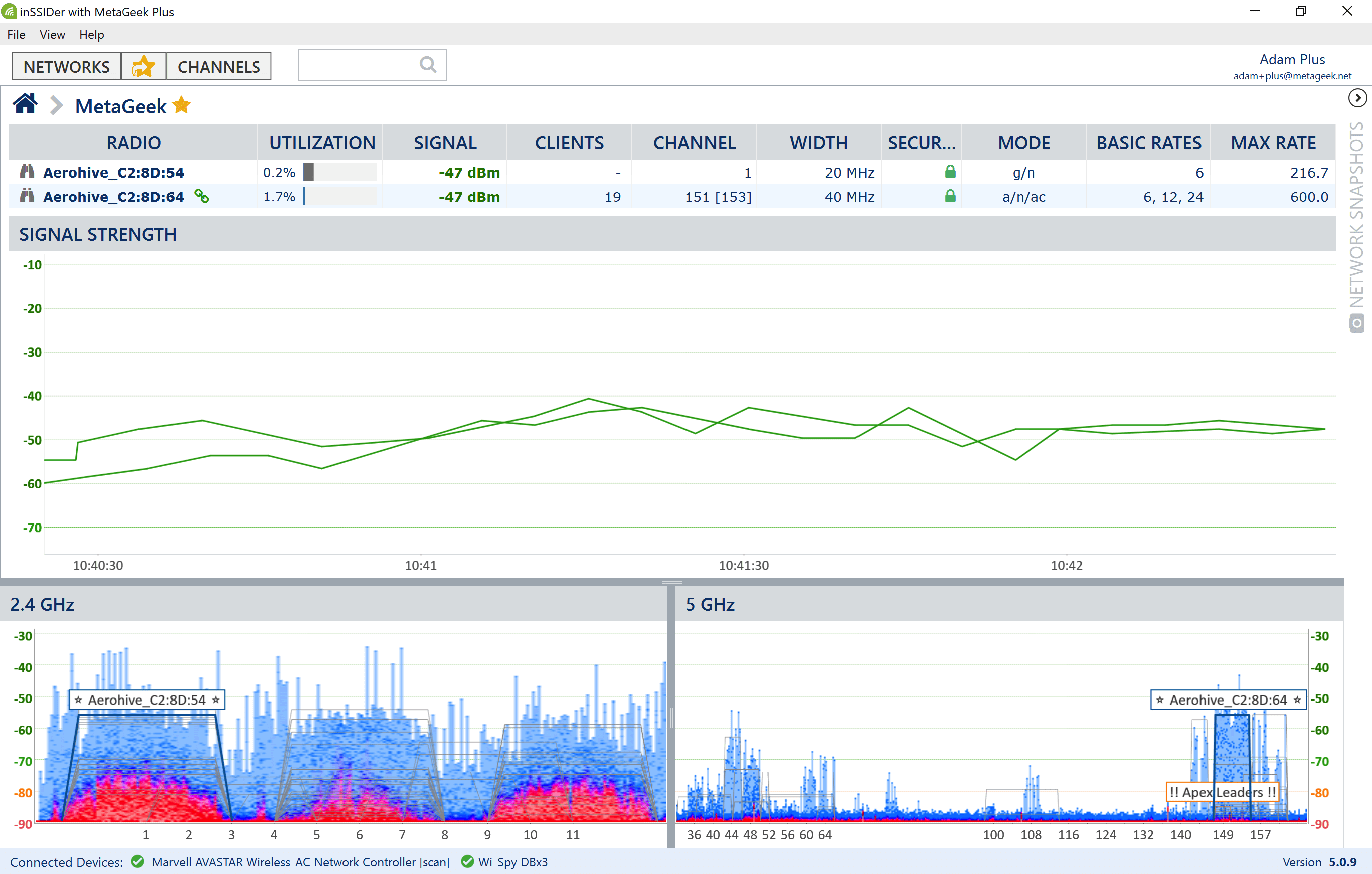
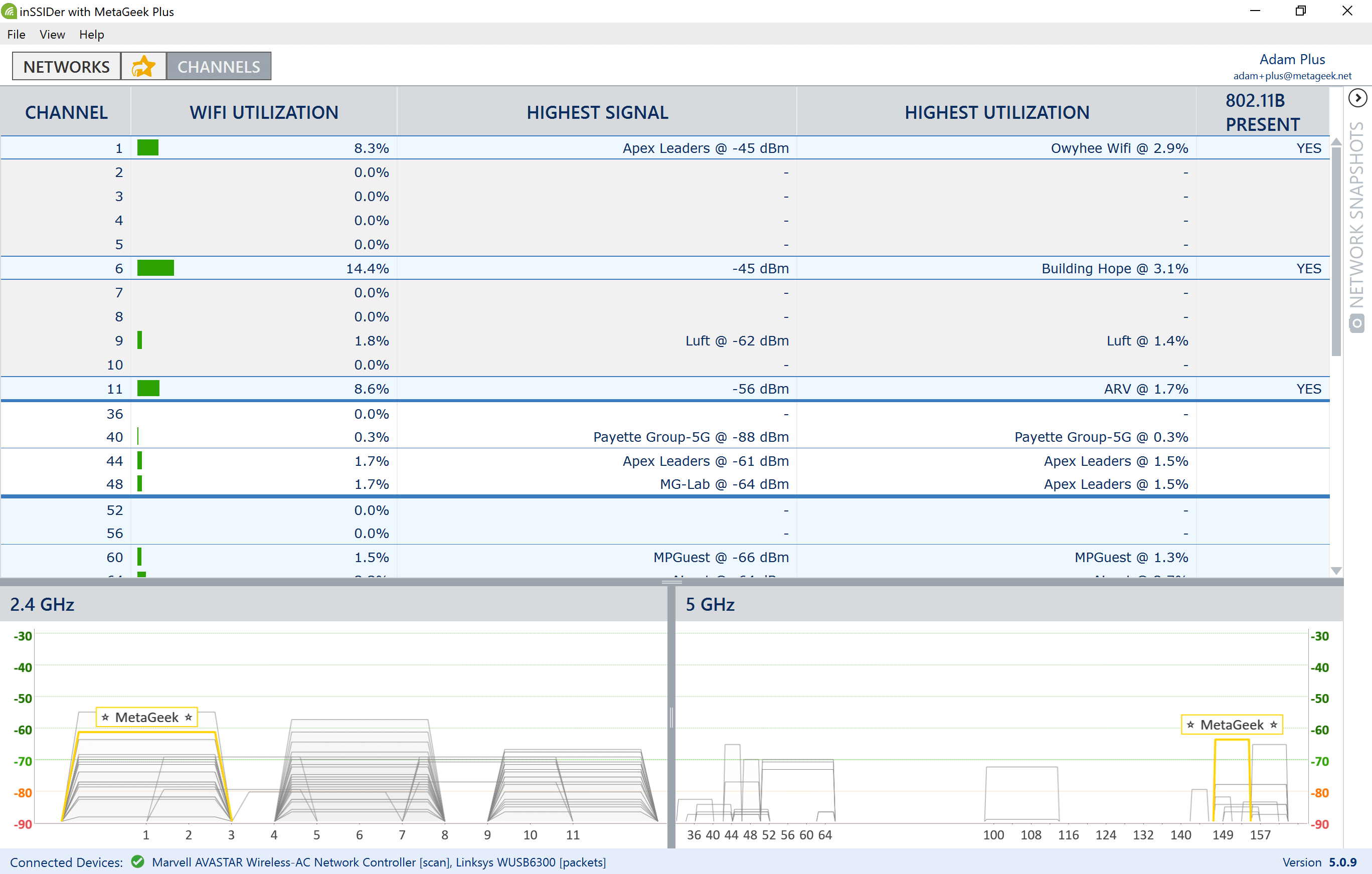
The application displays channel utilization and the number of connected clients for each network, giving users more context when choosing a channel for their own access point. A channel with fewer visible networks may still be busy, so utilization figures can help distinguish between options more effectively than a simple network list. Signal strength is measured in dBm and can be tracked over time, which is useful when checking how a connection changes across locations or during troubleshooting.
Networks can be grouped by MAC address, SSID, channel, received signal strength (RSSI) or the time they were last detected. Filters help narrow the results to relevant access points, while highlighting makes areas with a high concentration of Wi-Fi networks easier to spot. These tools support practical tasks such as locating competing access points, comparing network activity and reviewing which signals remain visible as conditions change.
For location-based surveys, inSSIDer works with most GPS devices that support NMEA version 2.3 or later. Wi-Fi and GPS information can be exported to KML for viewing in Google Earth, allowing scan data to be examined in its geographic context. This can help users relate signal observations to places where networks were detected, rather than relying only on a live scanner view.
inSSIDer uses the Windows Native Wi-Fi API and is freeware. It is intended for wireless network inspection and channel planning, not for replacing router configuration tools: users can use the scan results to inform changes made through their access point's own settings. The supplied compatibility information includes Windows 7, Windows 8 and Windows 10; Windows 11 support is not established by that information.