Sharp IMG Viewer
Welcome to the home of Sharp IMG Viewer, a software marvel developed by Sharp IMG Viewer. This Windows 10 compatible software is an innovative tool designed to cater ...

IrfanView is a compact Windows image viewer and editor for browsing photos, converting files and making everyday changes. It supports common formats along with animated GIFs, multi-page TIFF images and icon files. Tools include resizing, cropping, color adjustments, batch conversion, screenshots, slideshows and panorama creation. Freeware for personal use, it is useful for quick image tasks without a full graphics suite.
| Author: | Irfan Skiljan |
| License: | Freeware |
| Price: | FREE |
| Released: | Jan 13, 2021 |
| File size: | 3.60 MB |
| Downloads: | 586 |
| Keywords: | image convertor, image view, image viewer, batch image converter, image editor, photo, photo editor, resize, Windows 10 compatible, Irfan View, resize images, graphic editor, animated gif viewer, viewer, multi page tiff viewer, x64 software, Irfan Skiljan |
| Author URL: | https://www.irfanview.com/ |

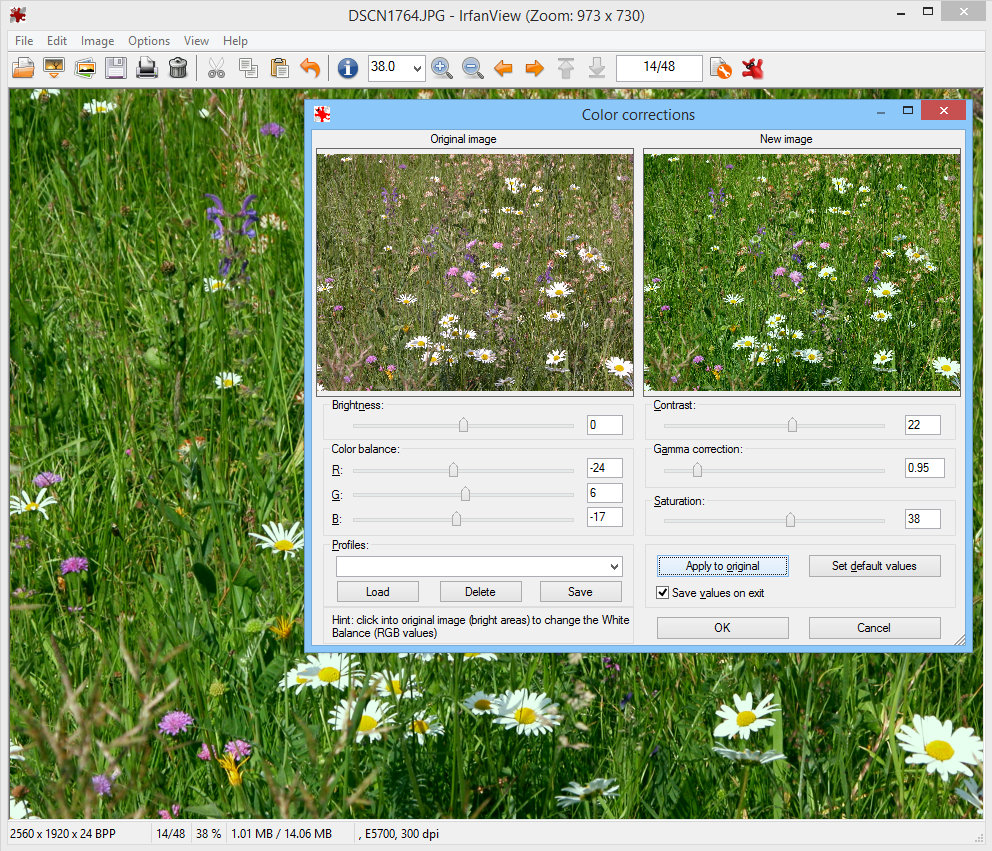
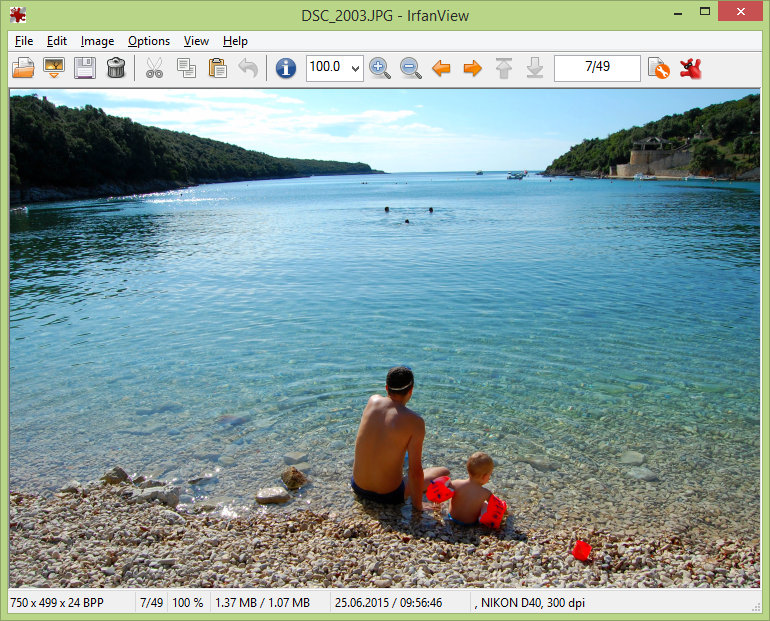


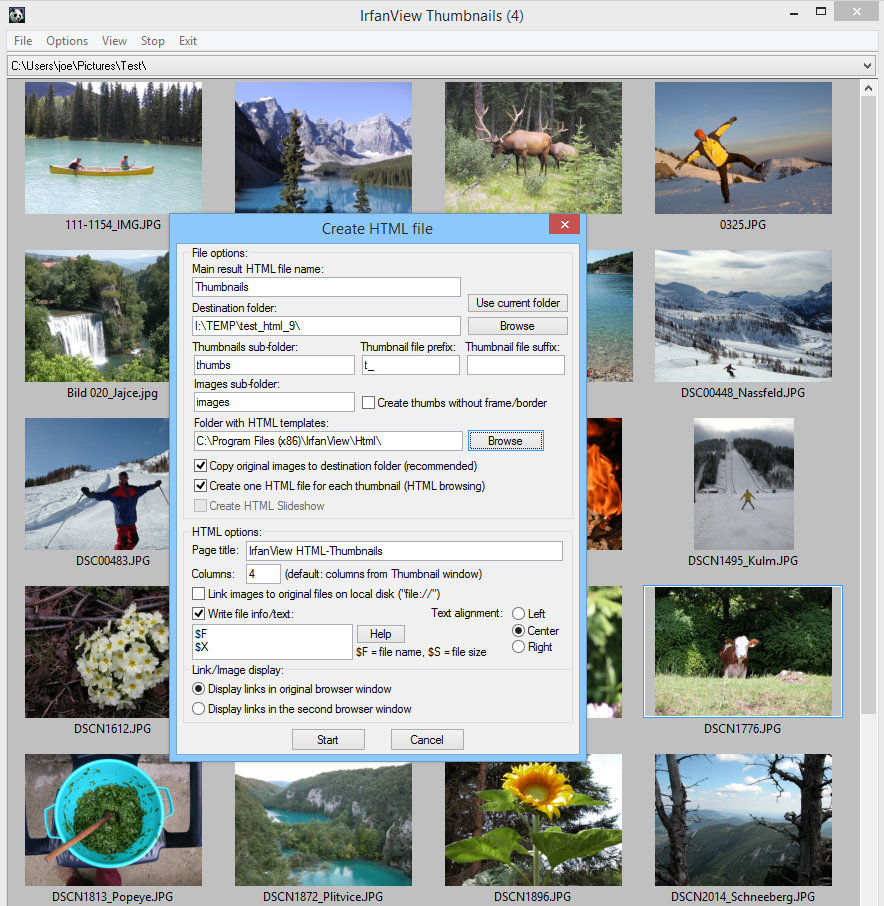

IrfanView is a compact image viewer and editor for Windows, suited to people who want to browse, organize, convert and make basic changes to pictures without using a full-scale graphics suite. It opens many common image formats as well as specialized files, including animated GIFs, multi-page TIFF images and icon files. Its relatively small footprint makes it practical for quick viewing and everyday image tasks on a desktop or laptop.
The viewer provides controls for zooming, rotating and navigating through images, with slideshow playback for presenting a folder of pictures. Animated GIF support displays frames in motion, while multi-page TIFF support lets users move through pages in a single file. These capabilities are useful for checking image sequences, scanned documents and other files that are more than a single still image. IrfanView can also display multiple icon images, which helps when inspecting icon resources.
Editing tools cover common adjustments such as resizing, cropping and changing image colors. Users can apply these operations to an individual picture or use batch processing to handle groups of files. Batch conversion can save images in another format, while batch renaming and resizing help prepare collections for sharing, archiving or use on websites. The program also supports screenshots, allowing a captured screen area to be opened for inspection or saved as an image. Panorama creation is available for combining images into a wider view.
For routine photo work, IrfanView can be used to review a camera or download folder, rotate and crop selected shots, create smaller copies and run a slideshow. It is also useful for converting a collection of graphics, viewing scanned multi-page files, capturing screenshots or checking animated and icon formats. Its mix of viewing and practical editing tools keeps many small jobs in one application, while more advanced image composition and retouching may call for a dedicated editor.
IrfanView is freeware for personal use. Commercial use requires a license. The supplied system information includes Windows 10; users should check current system requirements before installing on other Windows releases. Additional plug-ins can extend format support and features, but are not required for basic viewing and editing. Its interface is designed around direct access to image navigation and common operations rather than a complex project-based workflow.