Opera Mobile Emulator
Opera Mobile Emulator is a desktop testing tool for ... to check how pages appear and behave in Opera's mobile browser. It runs as a native Windows ...

Opera is a desktop web browser with a customizable start page, Speed Dial shortcuts, visual bookmarks and a Discover feed of news and stories. Tab previews, stacks, pinning and closed-tab recovery help manage multiple pages. Extensions, themes, page compression and synchronization add further options for browsing and organizing web content.
| Author: | Opera Software |
| License: | Freeware |
| Price: | FREE |
| Released: | Sep 13, 2023 |
| File size: | 2.64 MB |
| Downloads: | 1201 |
| Keywords: | internet, browser, download manager, visual bookmarks, web browsing efficiency, x64 architecture, desktop web browser, Opera Software, web browser, browser tab manager, opera browser, blocker, advanced security features, mail client, speed dial browser, Windows 10 compatibility, user-friendly interface, browser extensions |
| Author URL: | http://www.opera.com/ |
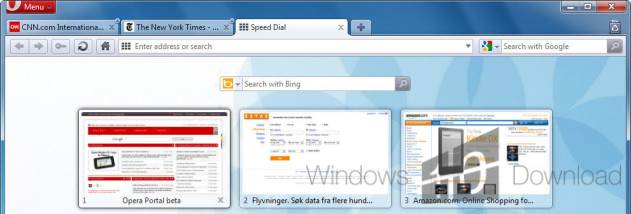
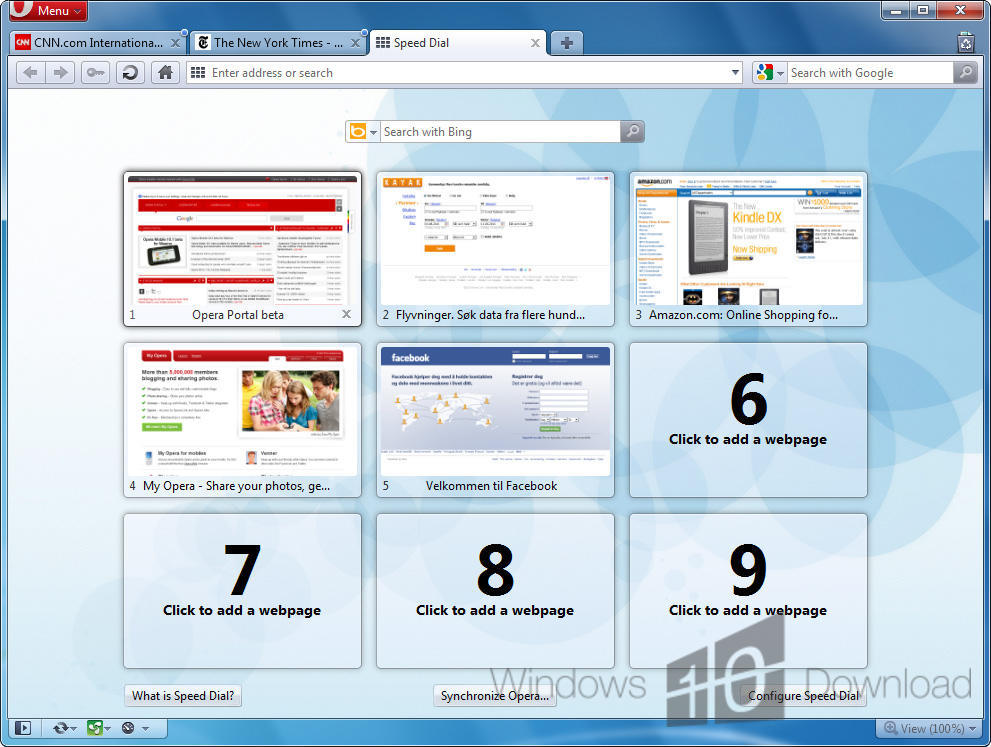
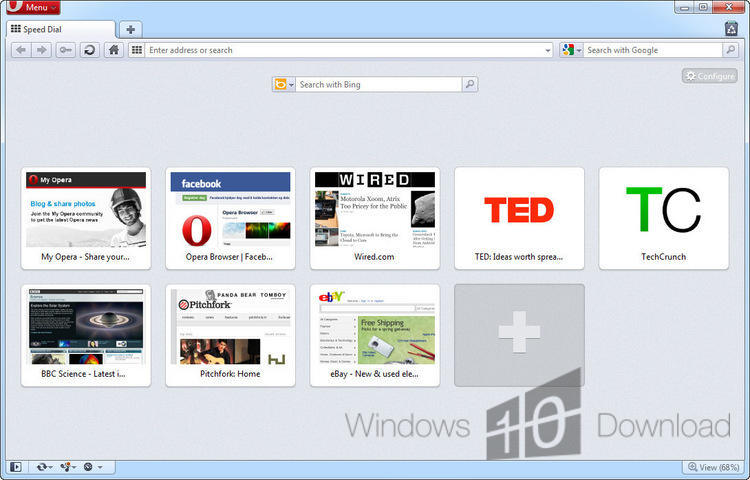

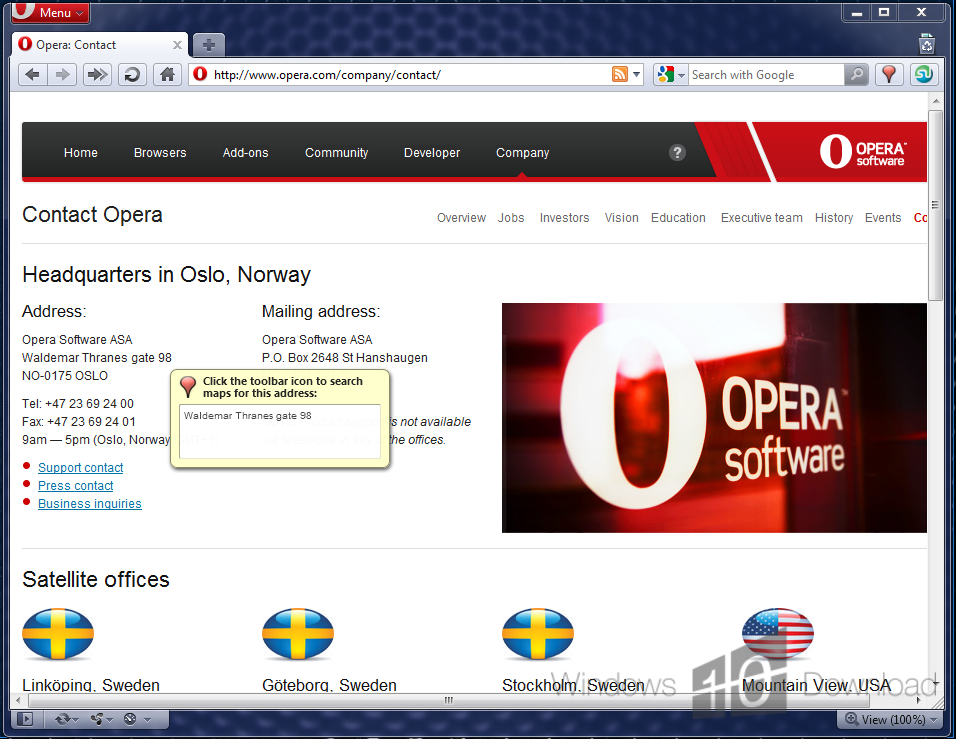

Opera is a desktop web browser for people who want quick access to websites, saved pages and online content in one customizable interface. Its start page brings together Speed Dial shortcuts, visual bookmarks and Discover, which presents news and stories from global and local sources. The browser's layout, toolbars and controls can be adjusted to suit different browsing habits, from a compact setup focused on tabs to one that keeps bookmarks visible.
Speed Dial provides one-click access to frequently visited sites, with shortcuts that can be grouped into folders. Visual bookmarks organize saved pages as thumbnails, making them easier to recognize and revisit than entries in a long text list. Discover adds a browsable feed of articles and other stories, with content available from sources in many countries. A bookmarks bar keeps frequently used links and folders at hand while browsing.
Opera includes tab tools for managing several open pages. Hover previews help identify a tab by showing a glimpse of its contents; tab stacks group related pages, and previews can help select a page within a stack. Tabs can be pinned to reduce their size and keep them apart from ordinary tabs. Closed Tabs makes it possible to reopen pages closed by mistake, while visual tabs add thumbnails alongside page titles and icons. Keyboard shortcuts and mouse gestures can also be customized for common browser actions.
For slower connections, Opera Turbo compresses web pages to reduce the amount of data transferred and can make browsing more responsive. Extensions from Opera's add-ons catalog can add functions to the browser, while static and animated themes change its appearance. Bookmark, tab and password synchronization keeps these items available across devices. These features suit everyday web browsing, research that involves multiple pages, and users who want their favorite sites and browser controls arranged to match their workflow.
Opera is freeware for Windows, including Windows 10 and Windows 11. Its controls and toolbars can be rearranged or removed, and the interface offers further layout and appearance customization. Opera Turbo, Discover, synchronization and the extension catalog are among the browser's included tools; availability of online services and add-ons can depend on the service and environment. The program is intended for browsing the web and organizing access to sites, rather than serving as a standalone email client.