TCP Optimizer
... suit the type and speed of an internet connection. It is intended for users who want to tune connection parameters through a dedicated interface rather than edit ...

RascalPro manages broadband and dial-up connections, including DSL, cable, VPN and ISDN sessions. It can reconnect after a dropped connection, simulate activity to avoid idle timeouts, and schedule connection events. Command-line controls, batch processing and custom open-or-close tasks support automation, while logs, alerts and session reports help track usage.
| Author: | Basta Computing, Inc. |
| License: | Trialware |
| Price: | $29.95 |
| Released: | Sep 25, 2015 |
| File size: | 3.10 MB |
| Downloads: | 272 |
| Keywords: | automatic redial software, dial-up session management, Basta Computing, command line connection control, RascalPro, connection, monitor connection, Windows 10 compatible, simulate network activity, dial-up connection manager, schedule internet connection, x64 software, Inc., dial-up, session, internet connection monitoring, connection manager, connection time tracker, advanced dial-up session logging |
| Author URL: | https://basta.com/ |
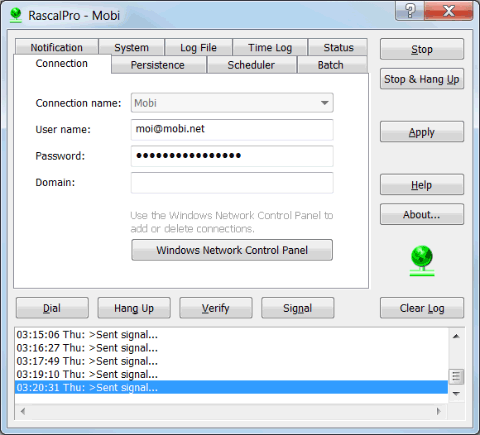

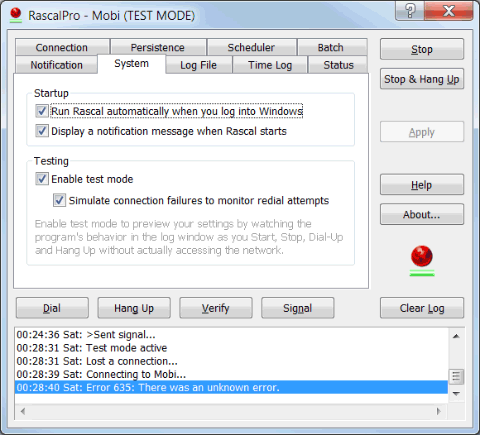
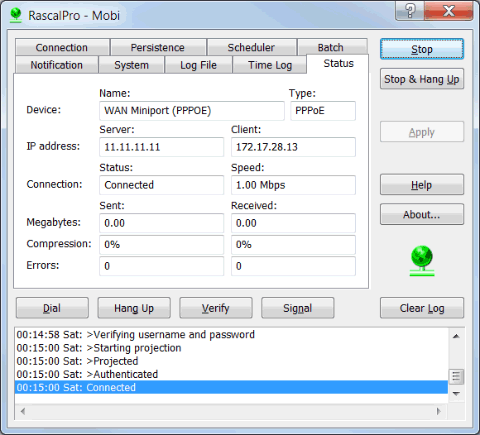

RascalPro is a Windows connection manager for people who need to control broadband or dial-up sessions beyond the options in the standard Windows network tool. It works with DSL, cable, VPN, ISDN and other dial-up connections, and can run in the background while its notification-area icon shows the program and connection status. Clicking the icon provides a quick way to connect or disconnect.
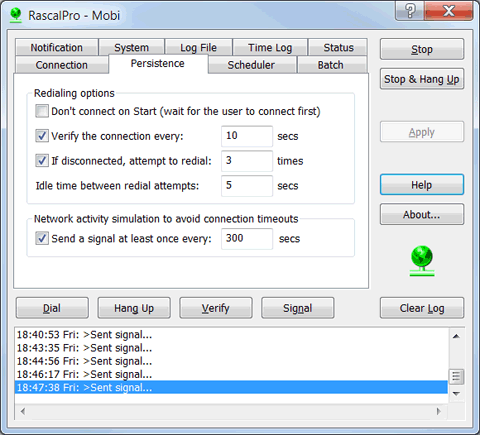
The program can automatically redial when a connection drops, helping restore access without manual intervention. It can also simulate network activity to prevent an idle connection from timing out. Users can schedule connection events, such as connecting for an overnight transfer or disconnecting after a set period. Custom tasks can run when a session opens or closes, including login and logout scripts or other batch processes.
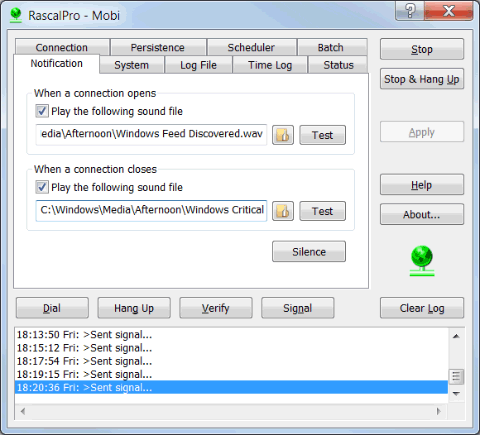
RascalPro offers command-line controls for starting the program and managing connections from prompts, scripts and batch files. This supports remote operation and lets connection actions fit into existing automated workflows. File logging records operations for later review, while audio alerts notify users when a connection is opened or closed. The program also reports session details, including network parameters and online time for the current and previous sessions, as well as totals by day, week, month and year. It can calculate monthly connection fees.
These tools suit users who rely on persistent or scheduled connections, need to track time online, or want connection events to trigger other tasks. A computer can be set to disconnect when left unattended, for example, or to reconnect after an interruption. RascalPro supports asynchronous operations and Event Viewer support, allowing connection management to continue in the background while other work proceeds.
RascalPro is trialware and supports Windows 10 and Windows 11, as well as older Windows releases. Its installer includes 32-bit and 64-bit editions and selects the matching version for the system. The related AppToService utility can run RascalPro as a Windows service for unattended reconnection and monitoring after a reboot, without requiring a user to sign in; this requires that separate software.