TCP Optimizer
TCP Optimizer is a Windows utility for adjusting TCP/IP network settings to suit the type and speed of an internet connection. It is intended for users who want to ...

TcpLogView is a lightweight Windows utility that records TCP connection events as applications establish and close connections. Its table shows event times, local and remote addresses, ports, and information about the associated process. Users can choose displayed columns and export selected records as TXT, CSV or HTML reports. The portable freeware requires no installation.
| Author: | Nir Sofer |
| License: | Freeware |
| Price: | FREE |
| Released: | Oct 12, 2026 |
| File size: | 82 kB |
| Downloads: | 37 |
| Keywords: | tcp event viewer, TCP connection logger, Connect, TCP, portable freeware, Windows network monitoring tool, TCP Monitor, Monitor, tcp connection monitor, download TcpLogView, network connection log, tcp connection logger, TcpLogView, monitor application connections, CSV HTML expo, Connection Monitor, portable tcp monitor, TcpLogView free download, TCP connection monitoring, Monitor TCP, Connection |
| Author URL: | http://www.nirsoft.net/ |
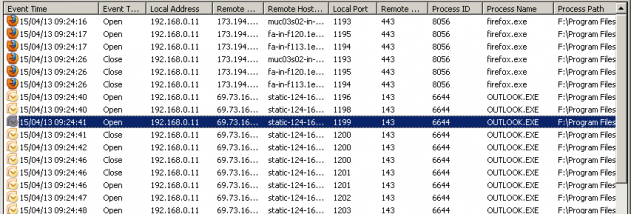
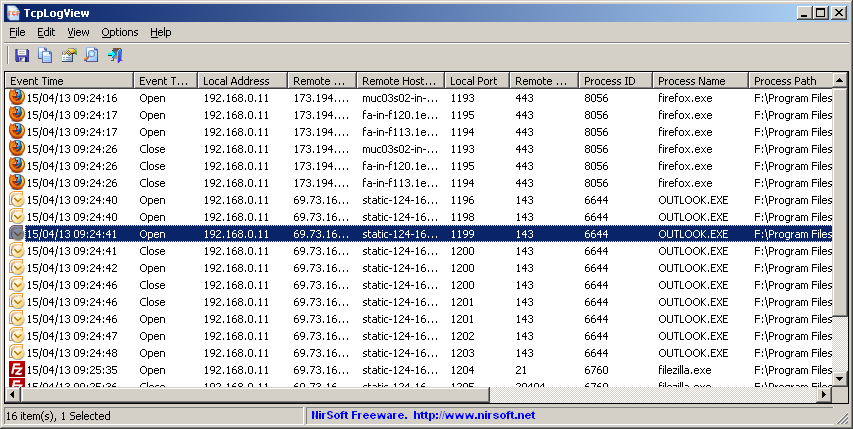

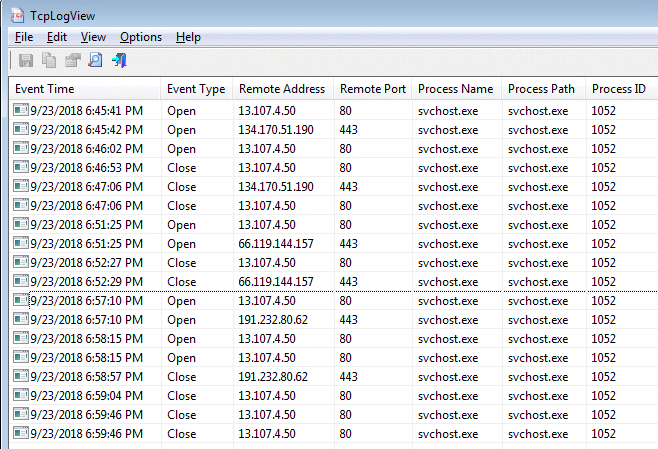

TcpLogView is a lightweight Windows utility for monitoring TCP connections opened by applications on a computer. It is aimed at network administrators, IT professionals and users who need a straightforward record of when network connections begin and end. Rather than showing only which connections are active at a particular moment, it records connection events in a table as they occur, making it easier to follow network activity over time.
Each entry includes the event time and type, local and remote IP addresses, and the corresponding port numbers. TcpLogView also identifies the process associated with a connection, including its name and file path, and provides process-tree information. These details can help link a connection to the application that opened it and distinguish local activity from communication with a remote host. Localhost connections are ignored by default, and the displayed columns can be adjusted to focus on the information needed for a particular review.
The event table can be used as a running log while browsing the web, using email, transferring files or working with remote-access software. When an entry is useful for later analysis, selected records can be saved in TXT or CSV format, or turned into an HTML report. Exporting allows connection details to be reviewed outside the application, shared with colleagues, or retained as a basic record of observed activity. The utility is focused on logging connection events rather than providing a broad network analysis or traffic-inspection suite.
TcpLogView can help troubleshoot unexpected application connections, check which programs contact remote systems, or keep a simple record during routine network checks. Because the table records both established and terminated connections, it can show activity that might no longer appear in a snapshot of currently open connections. It can also support initial investigation of network behavior, though its event log alone does not explain the purpose or contents of a connection.
The program is freeware and runs on Windows. It does not require installation: the executable can be launched directly, including from a removable USB drive. Its compact interface and focused set of connection details make it suitable for quick checks as well as ongoing observation on a workstation. TcpLogView monitors TCP connection events on the local computer; it is not a substitute for a firewall, packet analyzer or network-wide monitoring system.