Wireshark (x32bit) for Windows 10 - Full description
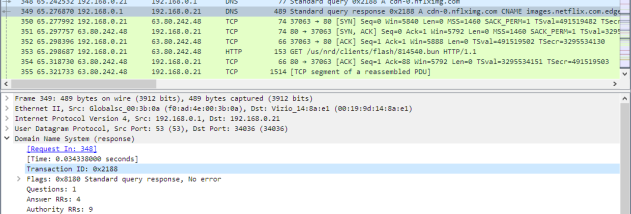
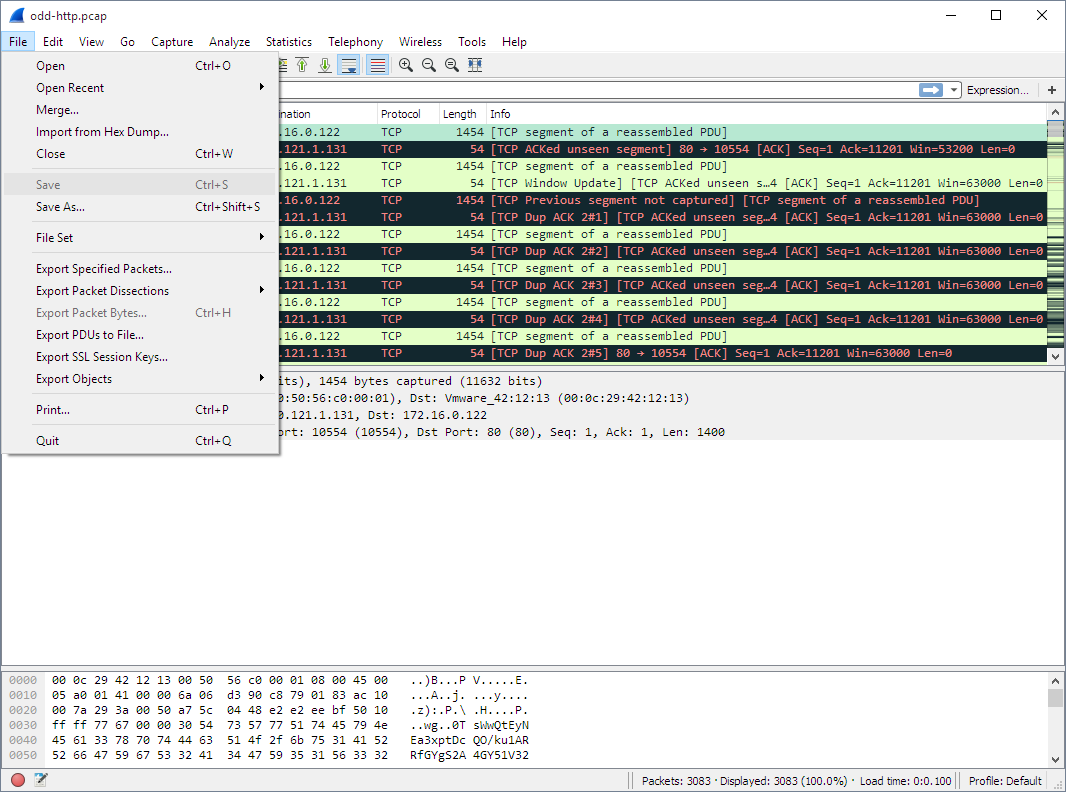
Wireshark is a network protocol analyzer for administrators, support technicians, security practitioners, developers and students who need to examine traffic moving across a network. It captures packets in real time or opens saved capture files for later investigation. Its packet browser presents a packet list, packet details and raw bytes in linked panes, making it possible to move from a broad traffic overview to the contents of an individual packet.
The analyzer decodes hundreds of network protocols, helping users inspect how services communicate and where a connection may be failing or behaving unexpectedly. Display filters narrow a capture to packets matching chosen criteria, such as a protocol or conversation, while coloring rules make selected traffic types easier to spot in a busy packet list. Users can follow traffic through the decoded protocol fields and examine the underlying bytes when they need more detail than the summary view provides.
Wireshark can capture traffic from a range of interfaces and link types, including Ethernet, Wi-Fi, Bluetooth and USB, depending on the system and capture setup. It also reads many capture formats, including pcap and pcapng, as well as formats produced by other network monitoring tools. Gzip-compressed capture files can be opened with on-the-fly decompression. When a capture is available, analysis can be performed offline without reconnecting to the network where it was recorded.
Additional tools support investigation of voice-over-IP traffic and protocols with available decryption support, including IPsec, Kerberos, SSL/TLS, WEP and WPA/WPA2. Results can be exported as XML, PostScript, CSV or plain text for reporting or further processing. The graphical application is suited to interactive inspection, while the companion TShark command-line utility provides a text-based way to browse and analyze captured data.
Wireshark is free software and is useful for troubleshooting connectivity, studying protocol behavior, reviewing network captures and investigating suspicious traffic. This is the 32-bit Windows edition; the supplied platform information includes Windows 10 and earlier Windows releases. Live capture capabilities depend on the network interface, operating system and capture permissions, while decrypting protected traffic requires the relevant keys or credentials. It can also be used to inspect capture files without performing live capture.