WOT for Firefox for Windows 10 - Full description
WOT for Firefox is a browser add-on that helps people assess the safety and trustworthiness of websites while browsing. It provides reputation information and warnings about sites associated with scams, identity theft, spyware, spam, viruses or unreliable shopping. The add-on is intended for everyday browsing, especially when visiting unfamiliar pages or following links from search results, messages and social media.
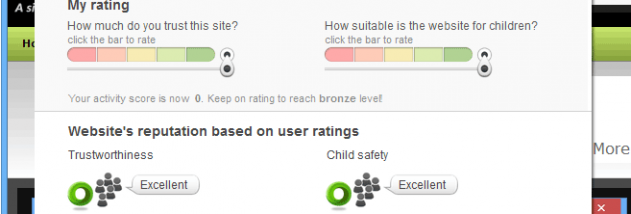
WOT's central feature is a warning that appears before a user interacts with a site considered risky. This gives the user a chance to pause before opening a page or sharing information. Website reputation indicators also make it possible to check a site's standing during routine browsing, rather than relying only on a warning after a problem occurs. These signals can help flag concerns, but they are not a substitute for antivirus software or careful judgment.
The add-on is designed to fit into the browser workflow: users can check a website as they navigate, without needing to run a separate security scan for every link. Reputation information is particularly useful when comparing online shops or deciding whether an unfamiliar destination is appropriate for entering personal details. A warning can also prompt a closer look at a link's destination before proceeding.
Typical uses include screening shopping sites, avoiding suspicious pages, and adding an extra layer of awareness when browsing unfamiliar parts of the web. It may be useful for people who regularly follow links from email, forums or search results, where the destination is not always well known. WOT helps identify potential risks; it cannot guarantee that a site is safe or prevent every online threat.
WOT for Firefox is freeware. It is a Firefox extension, so its use depends on having a compatible Firefox installation and an add-on version supported by that browser. The supplied platform information covers older Windows releases as well as Linux and Mac OS X; it does not establish compatibility with Windows 10 or Windows 11. Users should check whether the extension can be installed in their current Firefox setup before relying on it.