Alternate Player for Twitch.tv (Chrome) for Windows 10 - Full description
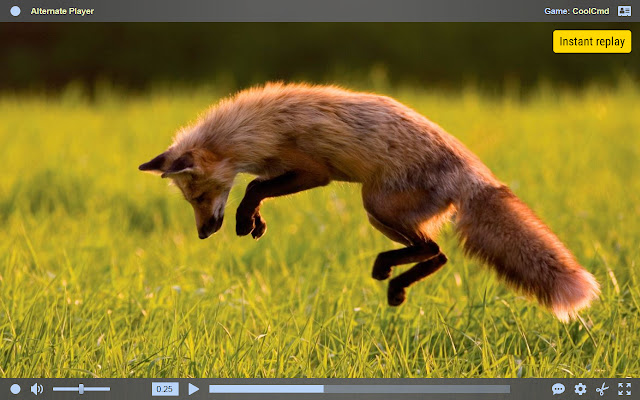
Alternate Player for Twitch.tv is a Chrome extension for viewers who want a different way to watch Twitch streams in their browser. It focuses on video playback and viewing controls, with options for adjusting stream quality and changing how the player and chat appear. Its settings can help viewers tailor a stream to their connection, screen and preferred level of interaction.
The extension offers playback controls intended to reduce buffering and latency. Viewers can adjust video quality to suit available bandwidth, which can be useful when a stream repeatedly pauses or when a clearer picture is less important than uninterrupted playback. Lower latency can also help keep live viewing closer to the broadcast, though actual performance depends on the stream and network conditions.
Alternate Player includes different viewing modes and picture-in-picture support. Picture-in-picture keeps a stream visible in a separate floating window while the viewer moves between browser tabs or other applications. Chat settings provide another way to shape the viewing layout, while options to turn off features such as autoplay and chat notifications can reduce interruptions during a session.
These controls suit a range of Twitch viewing habits, from following a live event while working in another tab to watching a channel with fewer on-screen distractions. Viewers who experience buffering can try changing quality settings, while those who want to keep up with both a stream and its discussion can adjust the player and chat to fit their preferred setup. The extension is for watching Twitch in Chrome; it is not a tool for broadcasting or managing a channel.
Alternate Player for Twitch.tv is freeware by Alexander Choporov. The Windows download listing supports 64-bit Windows 10 and Windows 11, and the extension is used through the Chrome browser. As with other browser extensions, its controls apply to viewing Twitch within Chrome rather than to a separate desktop player. Playback results vary with the source stream, browser and internet connection.