ExifTool 10.36 review by /lars Sweden (Dec 4, 2016)

The best there is, extract all there is to get of meta data. Excellent.

ExifTool is a free, open-source utility for reading, writing and managing metadata in image, audio and video files. It handles standards such as EXIF, GPS, IPTC, XMP, ICC profiles and ID3, as well as many camera-specific tags. Users can inspect files, edit or remove metadata, copy tags between formats, correct timestamps and organize collections by metadata. It runs from the command line and is also available as a Perl library for scripts and software workflows.
| Author: | Phil Harvey |
| License: | Open Source |
| Price: | FREE |
| Released: | Jul 26, 2025 |
| File size: | 10.50 MB |
| Downloads: | 5530 |
| Keywords: | edit meta information, edit photo exif data, Phil Harvey, image metadata viewer, editor, Windows 10, open-source software, write meta data, image file analysis, read meta data, remove image metadata, exiftool, batch metadata editor, read, metadata manipulation, ExifTool, exif metadata editor, exiftool command line |
| Author URL: | https://exiftool.org/ |
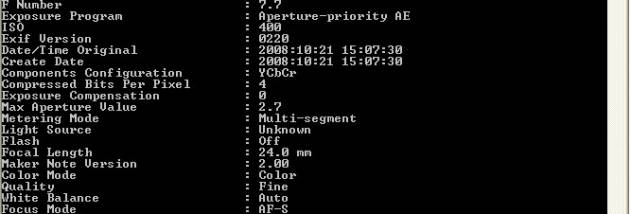

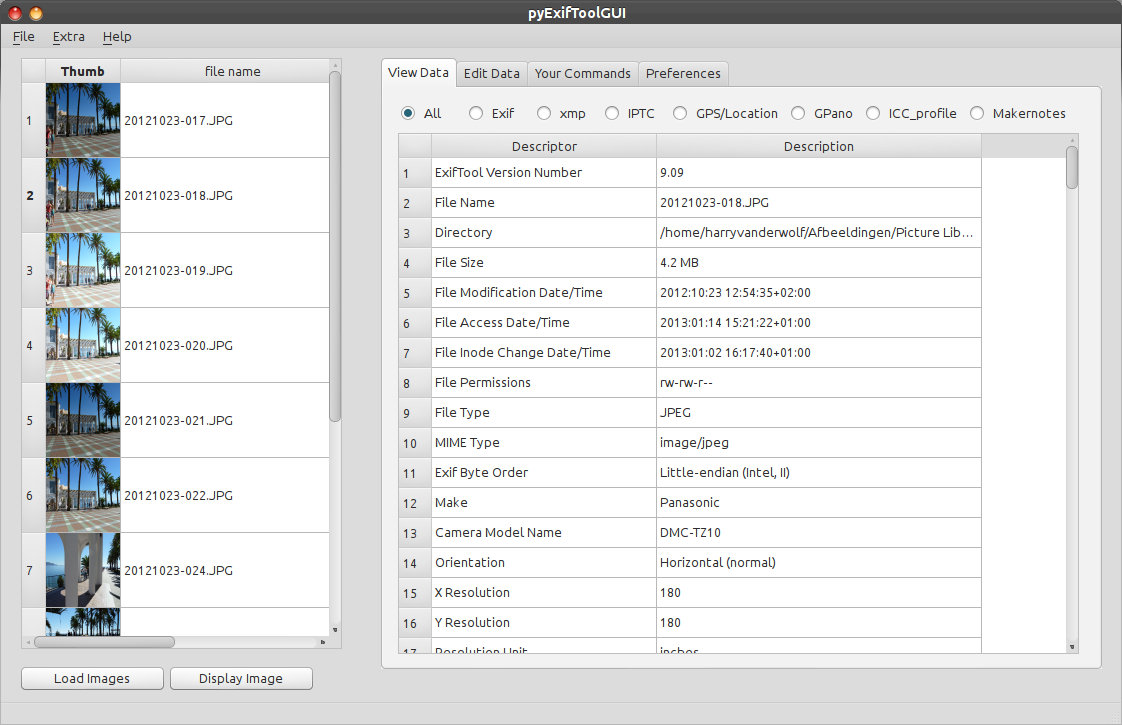
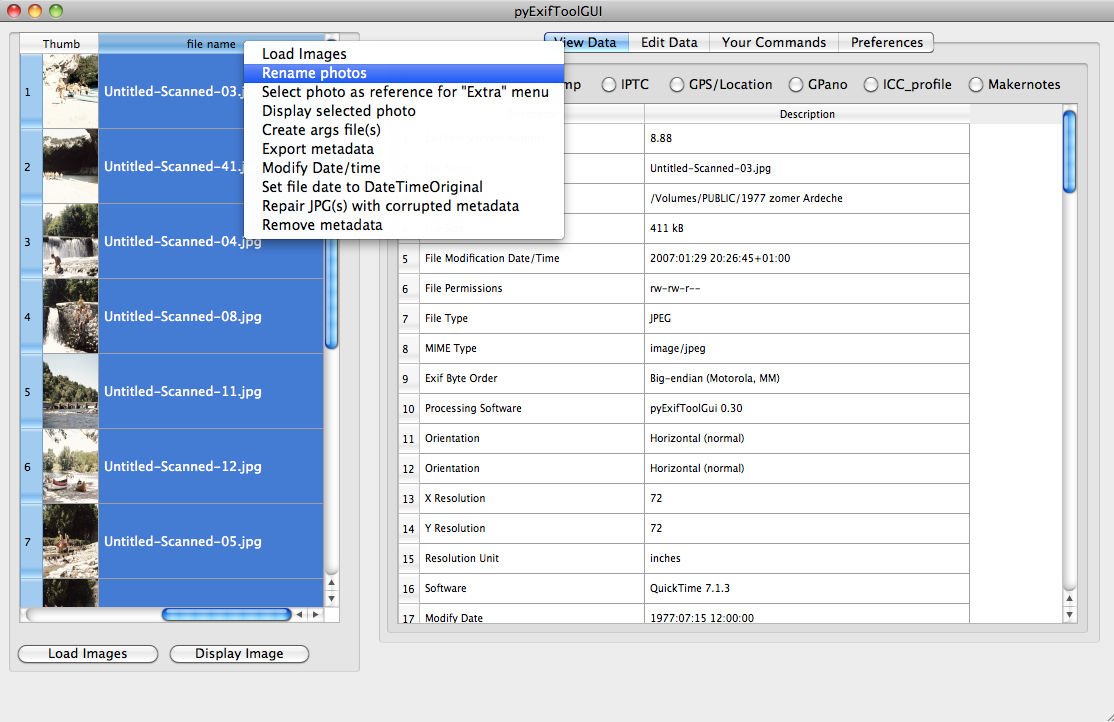
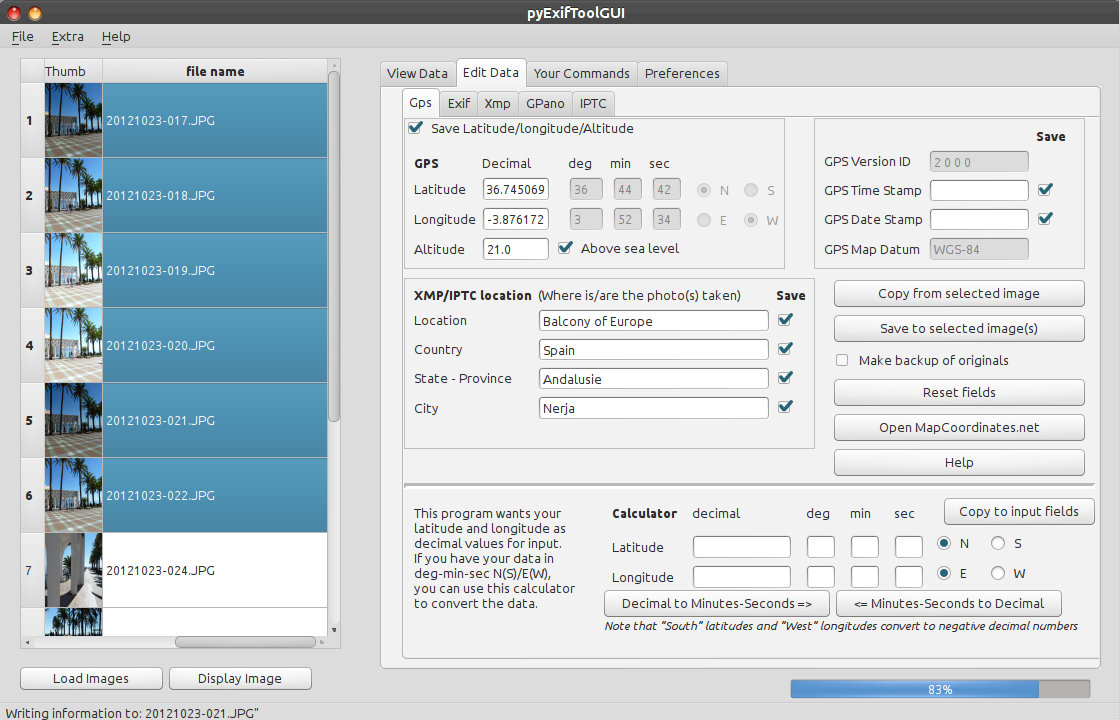

ExifTool is a free, open-source utility for reading, editing and managing metadata in image, audio and video files. It is used by photographers, archivists and digital media workflows that need to inspect details such as camera settings, capture dates, GPS coordinates, copyright fields or embedded profiles. It works as both a command-line application and a Perl library, so it can be run directly for file operations or incorporated into scripts and other software.
The tool recognizes a broad range of metadata standards, including EXIF, GPS, IPTC, XMP, JFIF, GeoTIFF, ICC profiles, Photoshop IRB and ID3, along with manufacturer-specific tags from many digital cameras. It can display metadata for individual files or process entire directory trees. For editing tasks, it can write supported metadata fields, add user-defined tags, remove selected groups or clear metadata altogether. Conditional processing can target files according to existing tag values, which is useful when applying changes only to matching photographs.
ExifTool also supports practical file-management workflows. It can rename files and sort them into folders using dates or other metadata, adjust image timestamps, and set a file's modification date from its EXIF data. Metadata can be copied between files, including files in different formats, while original images can be backed up automatically during writing. The utility can extract thumbnails and preview images from RAW files, produce text output for each image, and organize results into groups for easier review.
For archives and automated pipelines, ExifTool can handle large collections and provide verbose or HTML-based hexadecimal output for closer inspection of file contents. Its own metadata format can bundle information from different sources with a file or store it separately in a sidecar, including EXIF or XMP data. Support for alternate languages in XMP and MIE information is also available. These capabilities make it useful for metadata audits, image-library organization, preparing files for publication, and batch correction of dates or descriptive fields.
ExifTool is open-source software and is available for Windows, including Windows 10 and Windows 11. Its command-line interface favors users who are comfortable entering commands, while the Perl library provides a way for developers to integrate metadata handling into custom tools. It supports many file types and camera-specific metadata formats, but the metadata that can be written depends on the file format and tag in question.
The best there is, extract all there is to get of meta data. Excellent.

A very good tool as far as I am concerned - got the job dome where other tools crashed or failed to display EXIF data