SmartCode VNC Manager
Welcome to the download page for SmartCode VNC Manager, a top-tier software developed by the innovative team at SmartCode Solutions. This powerful tool is designed to seamlessly integrate ...

SmartCode ViewerX VNC Viewer ActiveX is a Windows component for incorporating VNC remote access into software that supports ActiveX controls. It displays a remote computer's desktop within a host application, where users can view and interact with the system. Connections typically use the host's network address and required credentials. It can suit support utilities and management tools that need an embedded remote view.
| Author: | RealVNC Ltd |
| License: | Freeware |
| Price: | FREE |
| Released: | Oct 14, 2025 |
| File size: | 9.40 MB |
| Downloads: | 415 |
| Keywords: | VNC Viewer, Windows 10 compatibility, ActiveX, windows remote control, remote desktop activex, SmartCode Solutions, VNC, ViewerX VNC Viewer ActiveX, ActiveX control integration, ActiveX Control, x64 software, vnc viewer component, Viewer, remote desktop management, embed vnc viewer, vnc remote access, share screen, vnc activex control |
| Author URL: | https://www.realvnc.com/en/ |


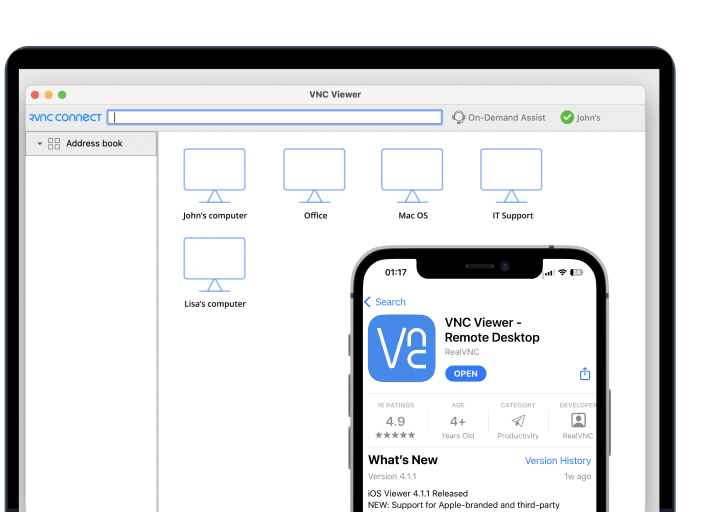



SmartCode ViewerX VNC Viewer ActiveX is a Windows component for adding VNC remote-screen access to software that supports ActiveX controls. It is intended for developers building Windows applications that need to display and interact with another computer's desktop, as well as users working with software that embeds the control. Rather than acting only as a standalone remote-access client, its ActiveX format is intended for integration into a host application.
The control provides a way to view and operate a VNC host remotely. A connection is typically made using the host computer's network address or name and the credentials required by that host. Once connected, the remote desktop appears within the application containing the control, allowing tasks such as inspecting a system, navigating its interface, or assisting with troubleshooting without sitting at the remote machine.
VNC access can be useful across different operating systems, since the viewer connects to a VNC server rather than requiring the local and remote computers to use the same desktop platform. Connection availability depends on the VNC server, network configuration, and access permissions at the host. The control therefore fits into workflows where an application needs to provide remote viewing or control alongside its own tools and interface.
Typical uses include embedding remote support in an IT utility, providing a remote workstation view in an internal business application, or creating a management tool for computers on a local network. Developers can use the ActiveX approach to place the remote view within an existing Windows interface instead of requiring users to switch to a separate viewer window. The actual functionality exposed to users depends on how the component is incorporated into its host software.
The software is freeware and is intended for Windows environments. The supplied compatibility information includes Windows 10 and 11, Windows 7 and 8, and several Windows Server releases. As an ActiveX component, it is designed for compatible Windows applications; it is not a general-purpose viewer for macOS or mobile devices. Remote connections also require a reachable VNC host configured to accept them.