Wings 3D for Windows 10 - Full description
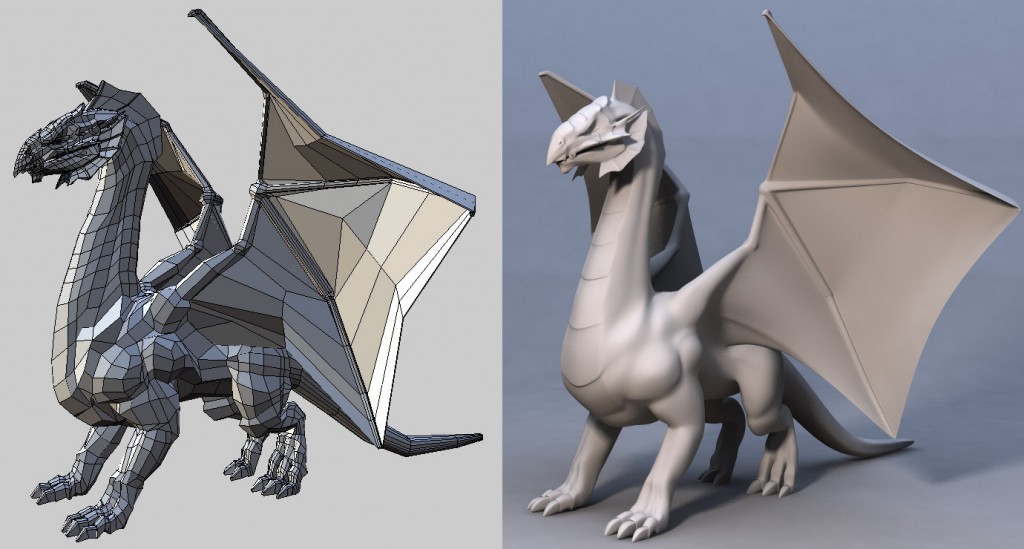
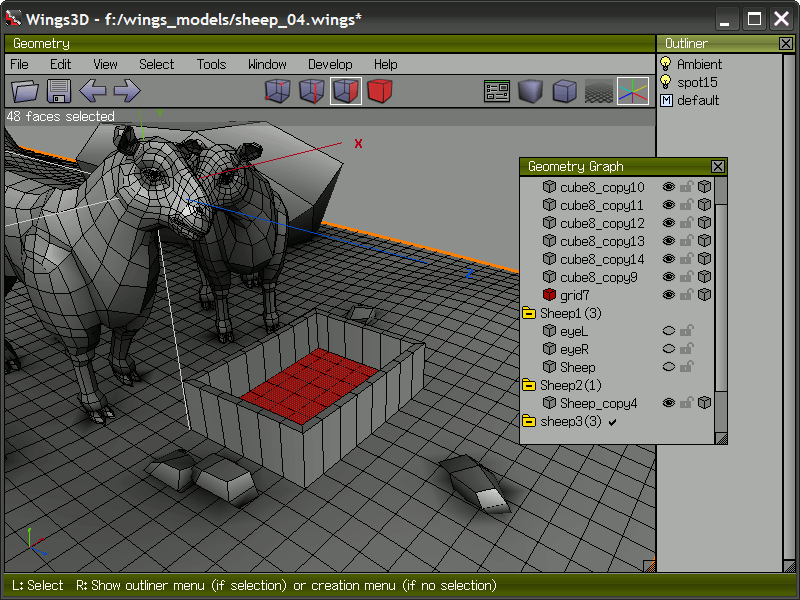
Wings 3D is a polygonal subdivision modeler for creating and editing 3D objects. It is suited to artists, hobbyists and designers who want to build mesh geometry directly, refine shapes through subdivision, and prepare models for use in other 3D applications. Its modeling workflow centers on selecting vertices, edges and faces, then applying operations to the chosen parts of a mesh.
The selection and mesh tools support practical modeling tasks such as shaping a basic form, adding detail and adjusting individual surfaces. Subdivision helps smooth a polygon mesh while retaining control over its underlying geometry, making it useful for developing rounded or organic forms. Users can assign materials and vertex colors, and apply textures. UV coordinates let them map image textures onto a model; image files in BMP, JPG, PNG, TGA and TIF formats can be used in texture-related work.
Wings 3D can import geometry from formats including Nendo, 3D Studio, Wavefront OBJ, FBX and LightWave/Modo. It also accepts Adobe Illustrator 8 files, which can be useful when bringing vector artwork into a modeling workflow. Export options include Nendo, 3D Studio, OBJ, LightWave/Modo, VRML, Renderware, FBX, Yafray, Povray, Kerkythea and Collada. Moving models between these formats allows Wings 3D to serve as a modeling stage before work continues in a renderer, animation package or other 3D tool. FBX support is available on Windows and macOS.
The program is focused on mesh creation rather than being a complete animation or rendering suite. It can therefore suit users who need to make or revise polygon models, build assets for a larger production pipeline, or explore subdivision modeling without purchasing a commercial modeling application. Its variety of import and export formats also helps when a project involves several tools, though supported formats may differ in the data they preserve.
Wings 3D is freeware for Windows 10 and Windows 11, including 64-bit Windows. It requires OpenGL 2.1. Users should check that their graphics hardware and drivers support this requirement, particularly on older systems. The application is intended for desktop modeling and does not require a paid license.