SHAREit
... relying on Bluetooth or uploading them to cloud storage. The app supports sharing with devices running Windows, ... on the receiving device rather than in cloud storage, sharing does not require the files to be ...

NetDrive mounts FTP and WebDAV storage as a drive in Windows, so remote files can be handled in File Explorer. Users configure each connection with its server address, port, account details and drive letter, then transfer or organize files with familiar drag-and-drop actions. Automatic login and mounting options support recurring access to multiple remote locations. It is free for non-commercial home use.
| Author: | Bdrive Inc. |
| License: | Trialware |
| Price: | $1.90 |
| Released: | May 11, 2026 |
| File size: | 150.00 MB |
| Downloads: | 860 |
| Keywords: | mount network storage, storage, ftp file transfer, remote storage, webdav drive, remote, remote storage access, remote connect, MacroData Inc software, cloud storage solution, FTP, netdrive, ftp drive mount, NetDrive review, x64 system compatibility, Windows 10 application, file transfer utility, FTP client |
| Author URL: | http://www.netdrive.net |


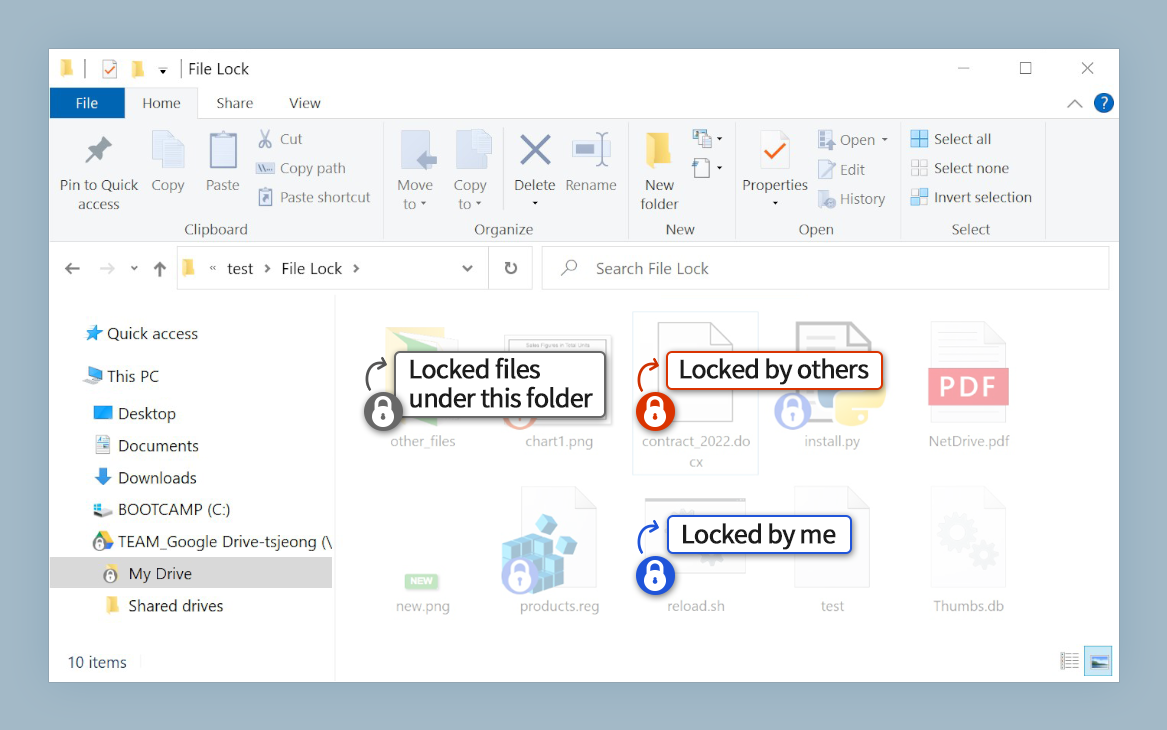
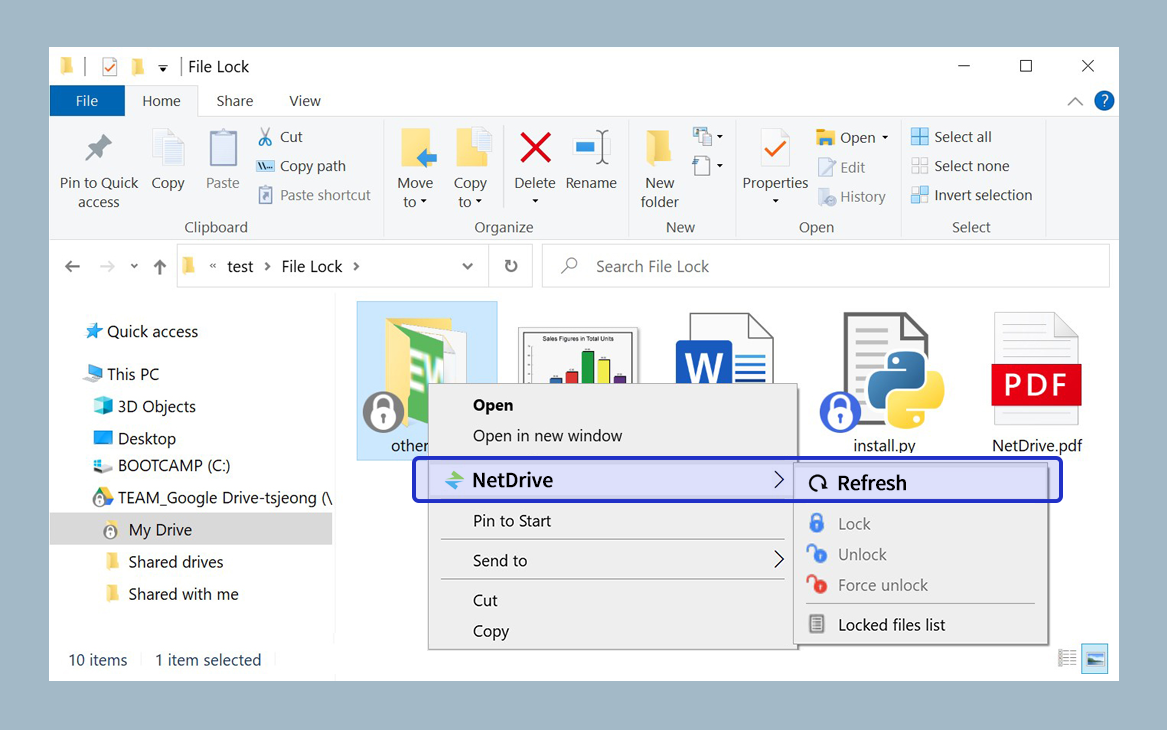
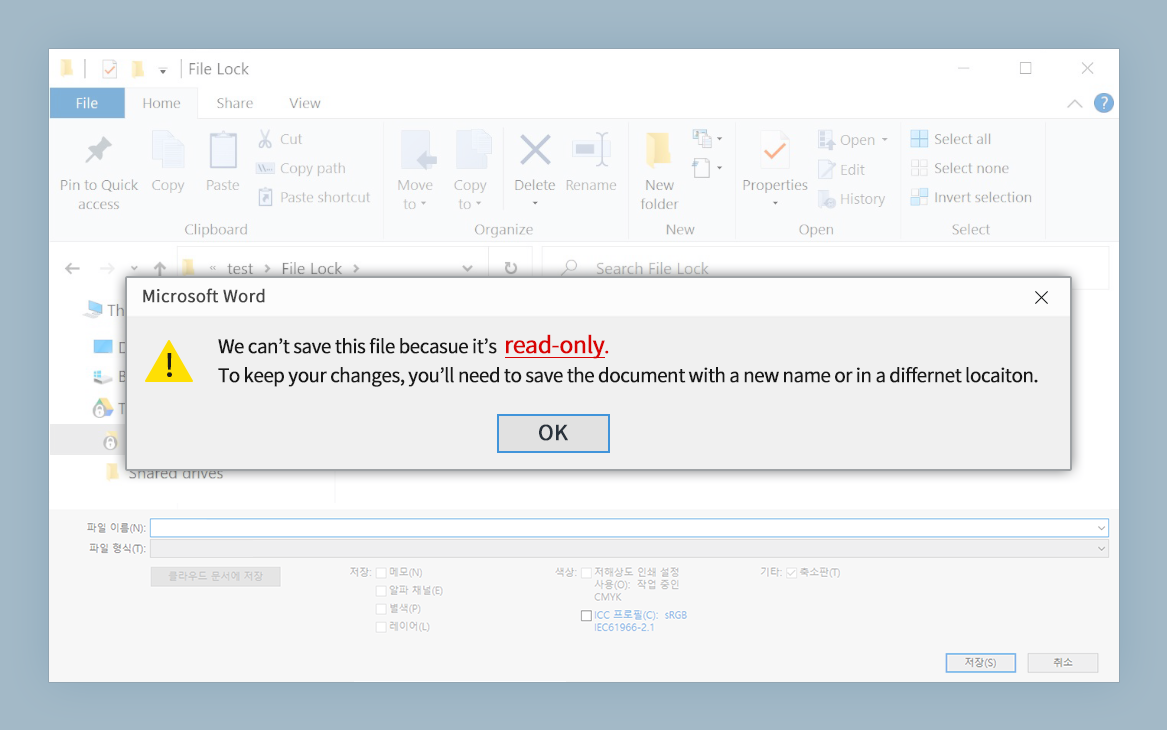

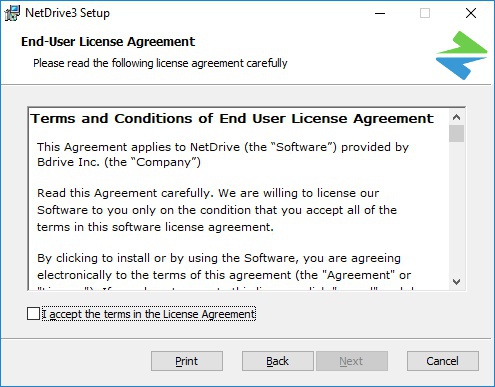


NetDrive is a Windows utility that connects remote storage to the computer as a mounted drive. It is intended for people who regularly work with files on FTP or WebDAV servers and want to manage them through familiar Windows file-handling tools rather than a separate transfer interface. Once a remote location is mounted, it appears as a drive in File Explorer, where files and folders can be browsed and managed alongside local storage.
To create a connection, users enter a site name, server address or URL, port, server type, local drive letter and account information. Each remote location can be configured as its own mounted drive, making it easier to distinguish separate servers or storage areas. After connecting, files can be transferred by dragging and dropping them in File Explorer, and ordinary file and folder operations can be performed from the same familiar interface. This approach is useful for routine access to remote files without opening a dedicated FTP client window for each task.
NetDrive also provides options for automatic login and mounting. A connection can be set to mount when Windows starts, or to log in whenever NetDrive is launched. These settings suit different work habits: startup mounting makes a remote drive available during the Windows session, while launching the application first keeps the connection tied to an explicit action. Multiple configured storage locations can be maintained for recurring work, such as transferring files between a PC and different servers.
The drive-mapping approach can simplify everyday access for users who already know how to work with files in File Explorer. It is useful for regular uploads, downloads, folder organization and access to remote storage that needs to be handled as part of a Windows workflow. Transfer activity depends on the network connection and the remote server, so a fast internet connection is important for responsive file access. NetDrive connects to remote storage rather than creating a local copy of the server contents; working with files therefore involves the mounted connection.
NetDrive is trialware and is offered free for non-commercial home use. It supports Windows 10 and Windows 11, as well as several Windows Server releases. Connection setup requires the relevant server details and account information, and access depends on a reachable FTP or WebDAV service. Users who need to work with remote files through Windows Explorer can use the mounted drive without relying on a separate FTP-client interface for routine file transfers.