Cent Browser
Welcome to the download page for Cent Browser, an innovative and user-friendly software developed by Cent Studio. This browser is designed specifically for Windows 10 users who ...

Vieb is an open-source browser built around Vim-inspired keyboard controls. Users can open and close tabs, navigate pages and follow links using shortcuts instead of relying on a mouse. Its focused interface and support for extensions and plugins suit Vim users, developers and others who prefer keyboard-driven browsing. Vieb runs on 64-bit Windows 10 and Windows 11.
| Author: | Jelmer van Arnhem |
| License: | Open Source |
| Price: | FREE |
| Released: | May 10, 2026 |
| File size: | 90.50 MB |
| Downloads: | 214 |
| Keywords: | browser, Windows 10, vim browser, Vim, mouse free browsing, lightweight, download Vieb, productivity, Electron Browser, electron browser, open-source, web browser, extension, Browser, Vieb free download, Vieb, Vim Bindings, Jelmer van Arnhem, customizable, browser with vim keybindings, Security, open source browser, Secure Browser, keyboard web browser, Privacy |
| Author URL: | https://github.com/Jelmerro/Vieb |


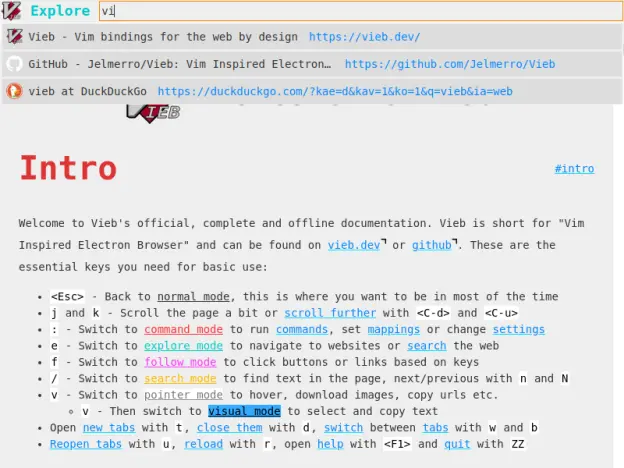
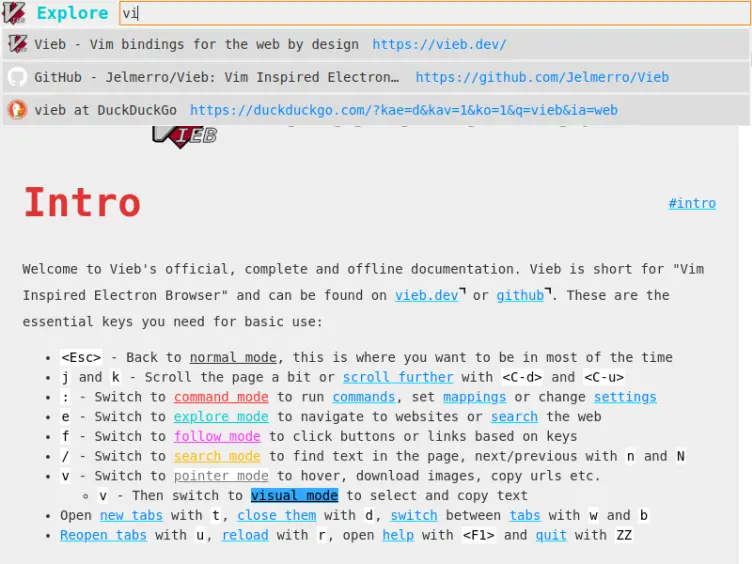

Vieb is an open-source web browser for people who prefer keyboard-driven navigation, including Vim users, developers and other power users. Its Vim-inspired controls let users work with pages and tabs through commands and shortcuts rather than relying on a mouse. The interface is designed to keep browsing focused on web content while retaining controls for common browser tasks. Users new to Vim-style navigation can learn the commands over time, while familiar users can carry established habits into their browsing workflow.
Keyboard controls are central to how Vieb is used. Shortcuts can handle actions such as opening and closing tabs, moving between pages and navigating links. This makes it possible to keep hands on the keyboard during research, coding or routine browsing, and can reduce repeated pointer movement. Link navigation is also part of the keyboard-oriented approach, letting users move through a page without treating each interaction as a mouse task. The command-driven model suits people who value precision and are comfortable learning a set of controls.
Vieb is built with Electron and uses modern web technologies to display websites. It supports extensions and plugins, allowing users to add tools that suit their workflow. Its open-source codebase can be inspected and adapted, and users can contribute to its development. The combination of keyboard bindings, a focused interface and extensibility gives users options for shaping a browser around their preferred way of working, rather than depending solely on default mouse-based interactions.
Typical uses include browsing documentation while programming, following links through research material, and managing multiple pages without frequently switching to a mouse. Vim users may find the navigation model especially familiar, while users without Vim experience can still use the browser if they are willing to learn its keyboard commands. Vieb's emphasis on direct controls can be useful for repetitive browsing tasks, though users accustomed to conventional browser layouts may need time to adjust.
Vieb is free and open source, and is available for 64-bit Windows 10 and Windows 11. Its code transparency offers a way to examine how the browser is developed, but privacy and security depend on the browser's actual settings and use; no particular protection feature is assumed here. The Electron foundation means it is a desktop application built on web technologies. Users who want a keyboard-centric browser with Vim-style interaction can consider Vieb as an alternative to mouse-led browsing.